Turn Any Photo Into a Masterpiece in Seconds.
Upload a photo, choose from 10 stunning art styles, and watch the AI draw a production-ready sketch. Get 3 free trial sketches when you sign up.
- 3 Free Production Renders
- Google 1-Click Login
- 10 Print-Ready Styles
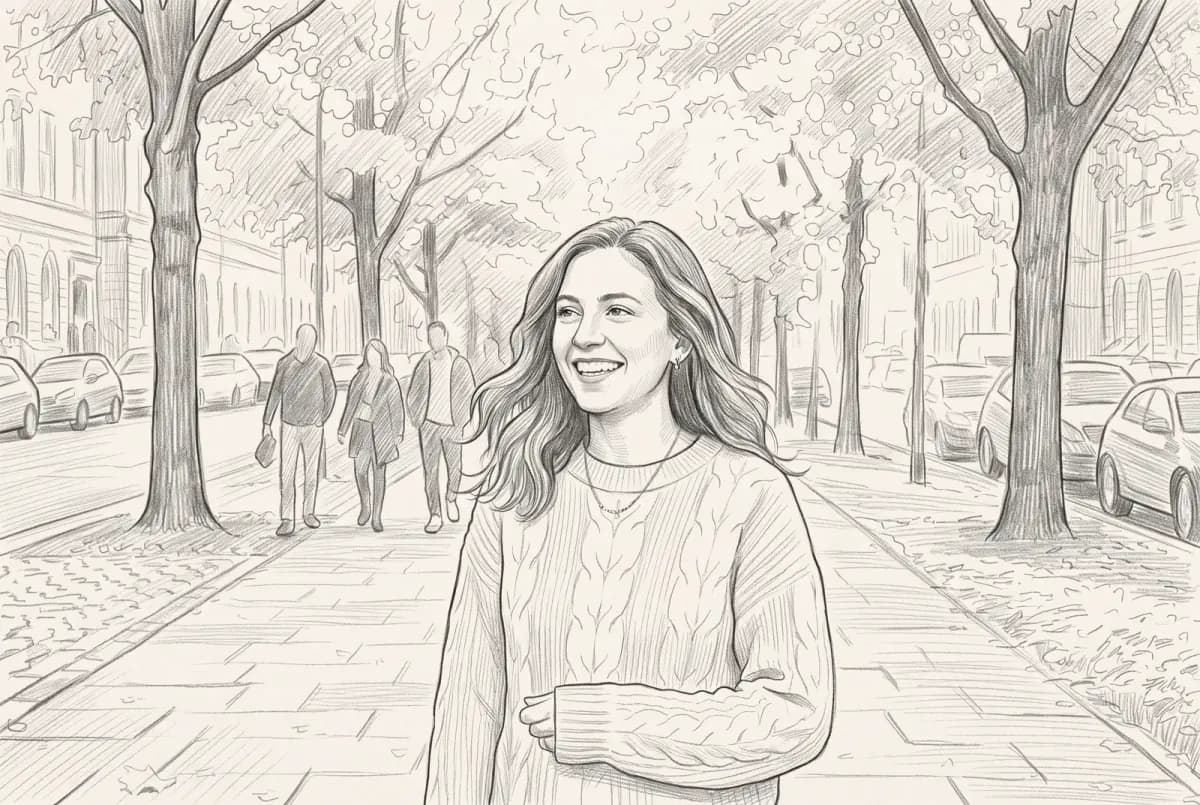
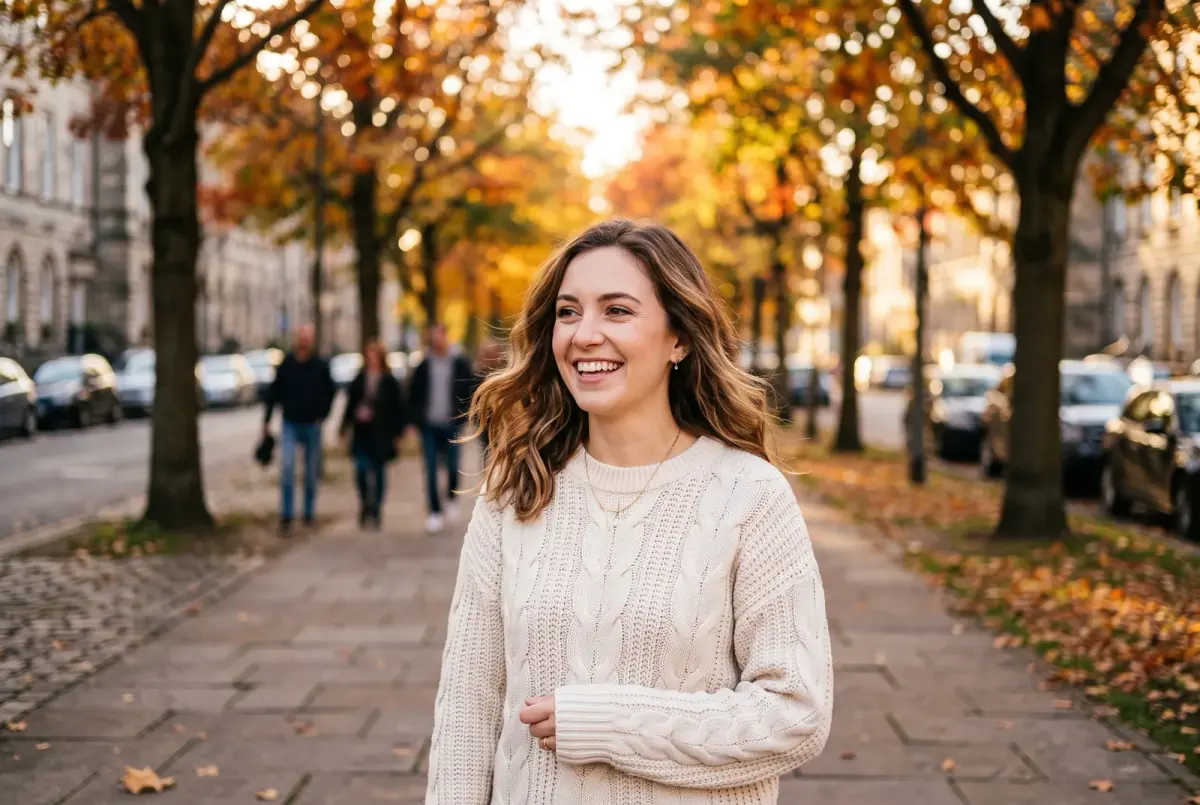
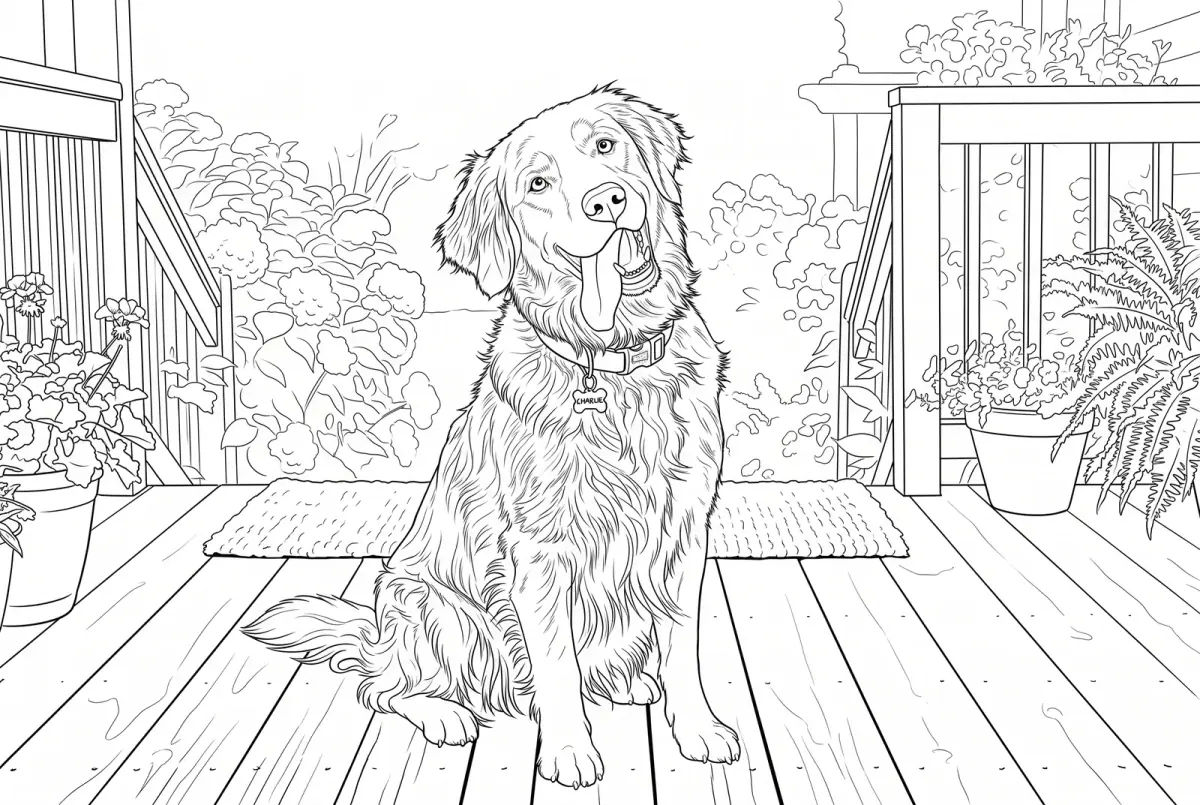
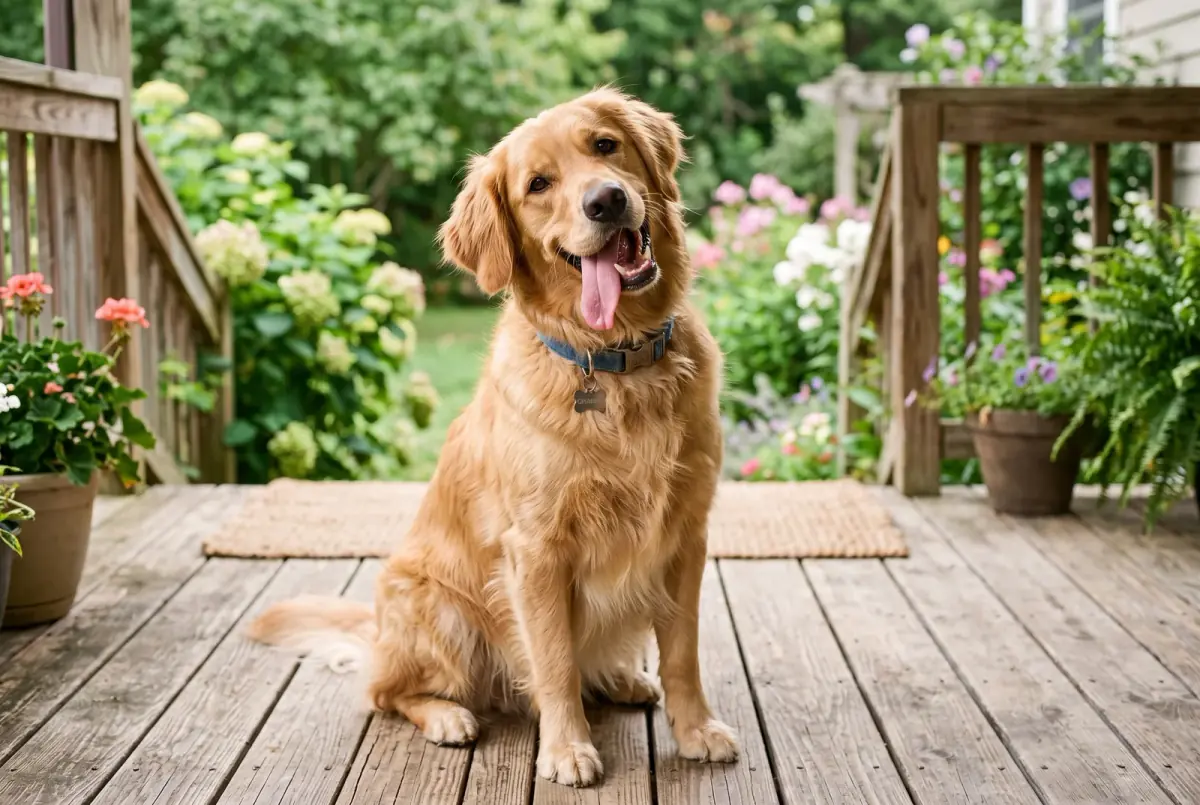
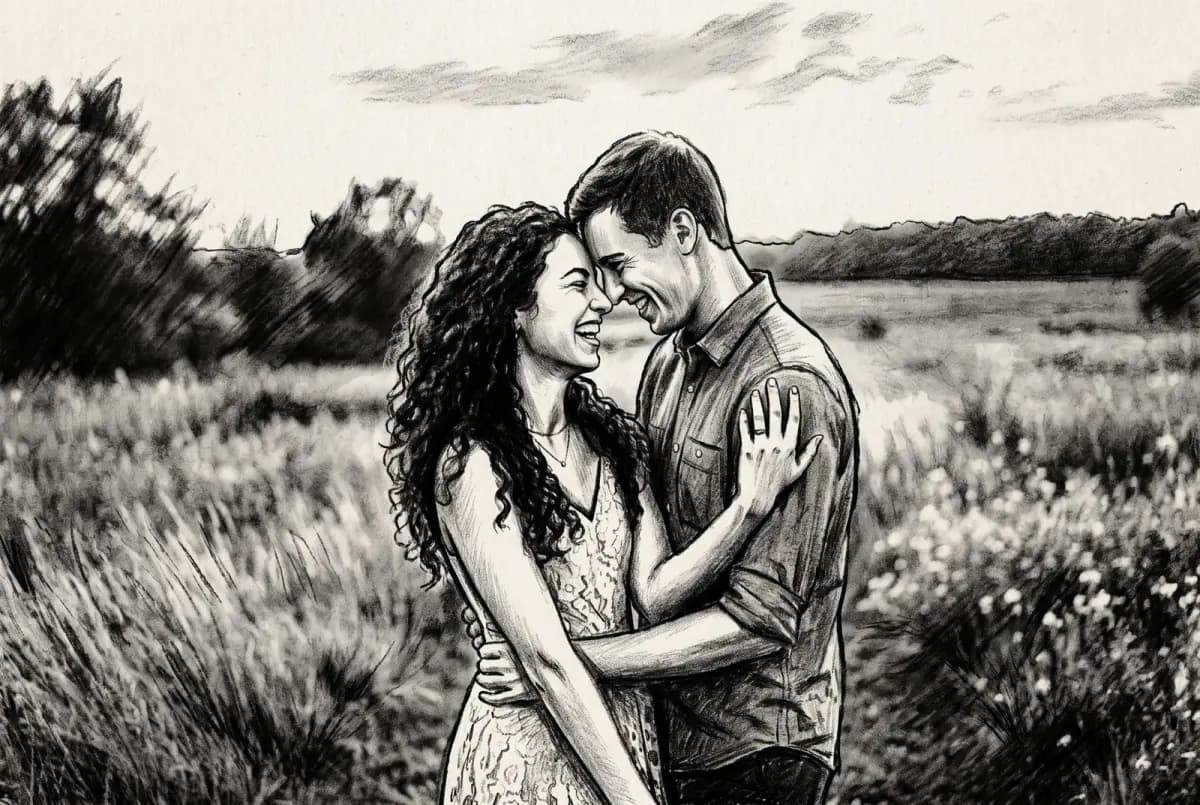
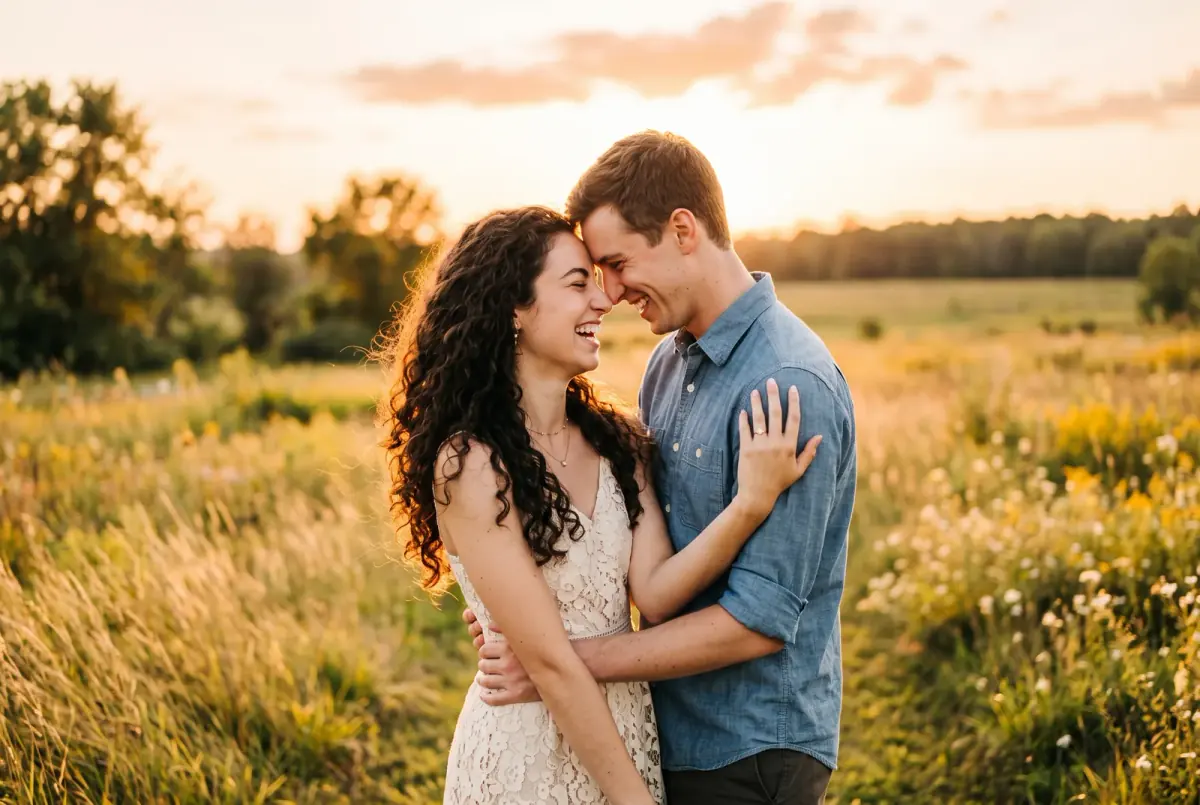
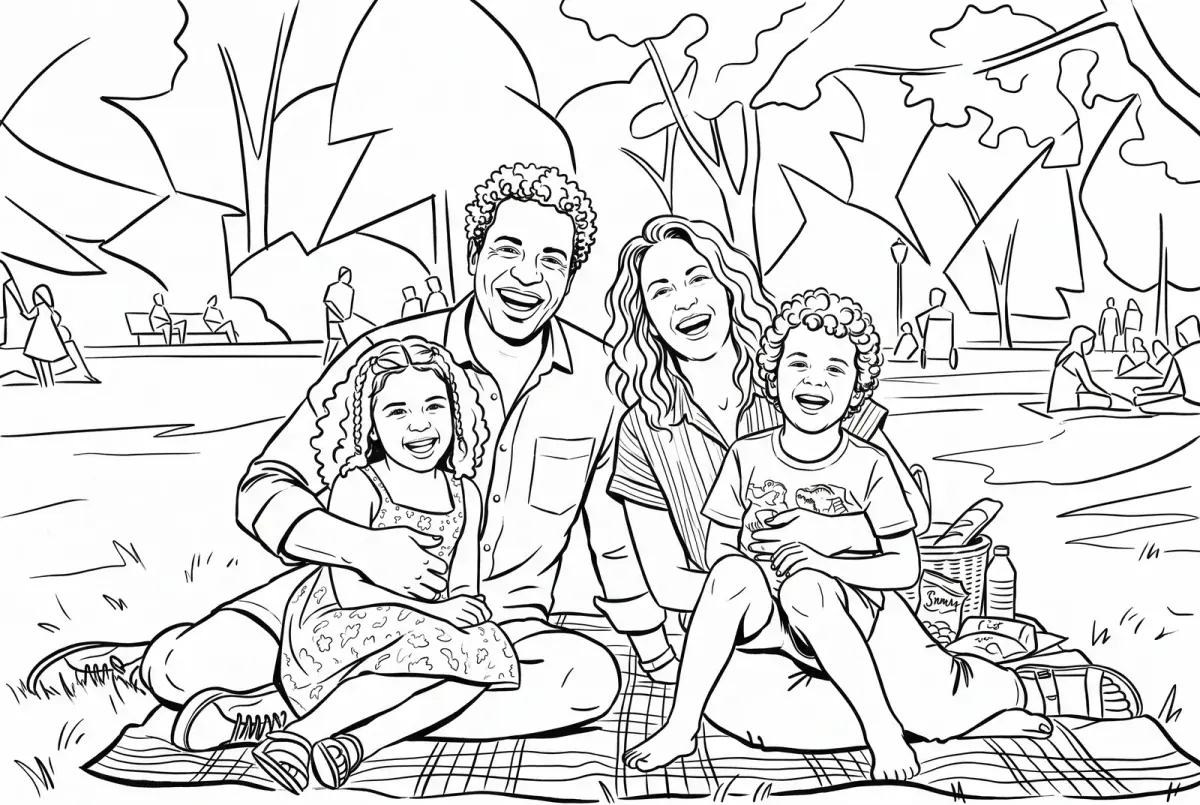
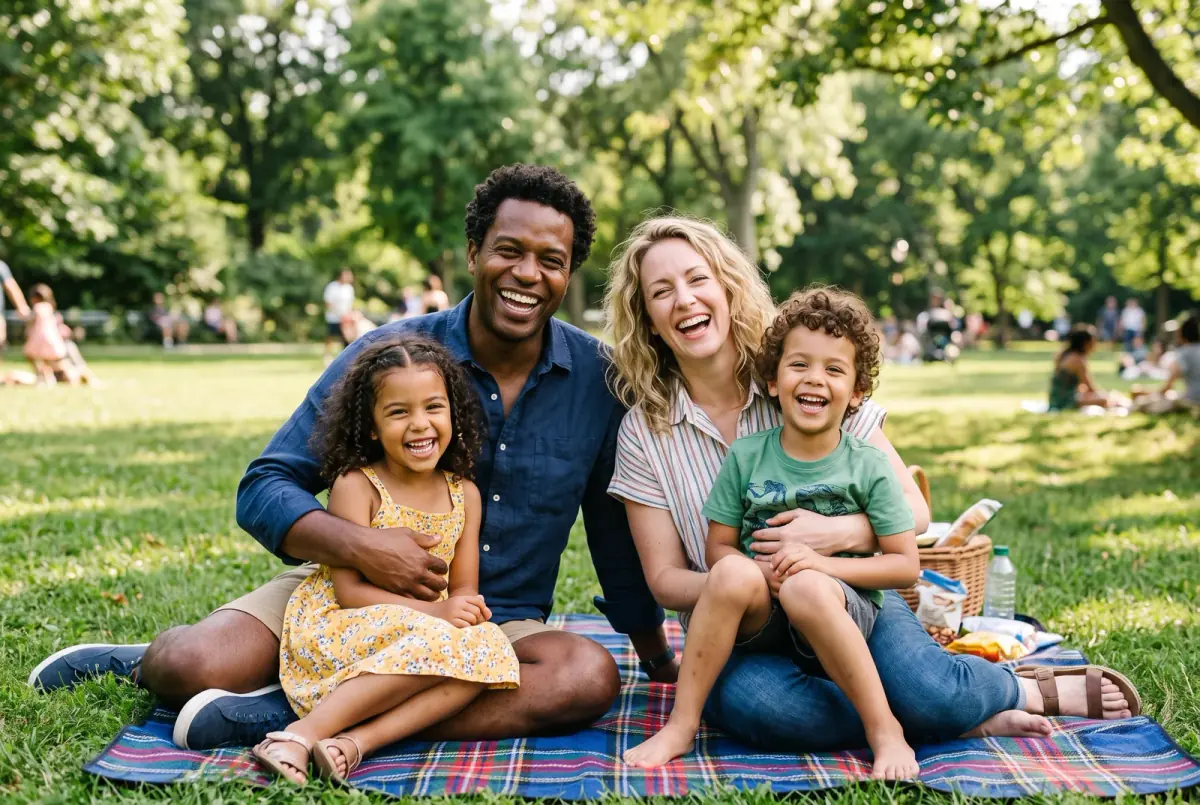
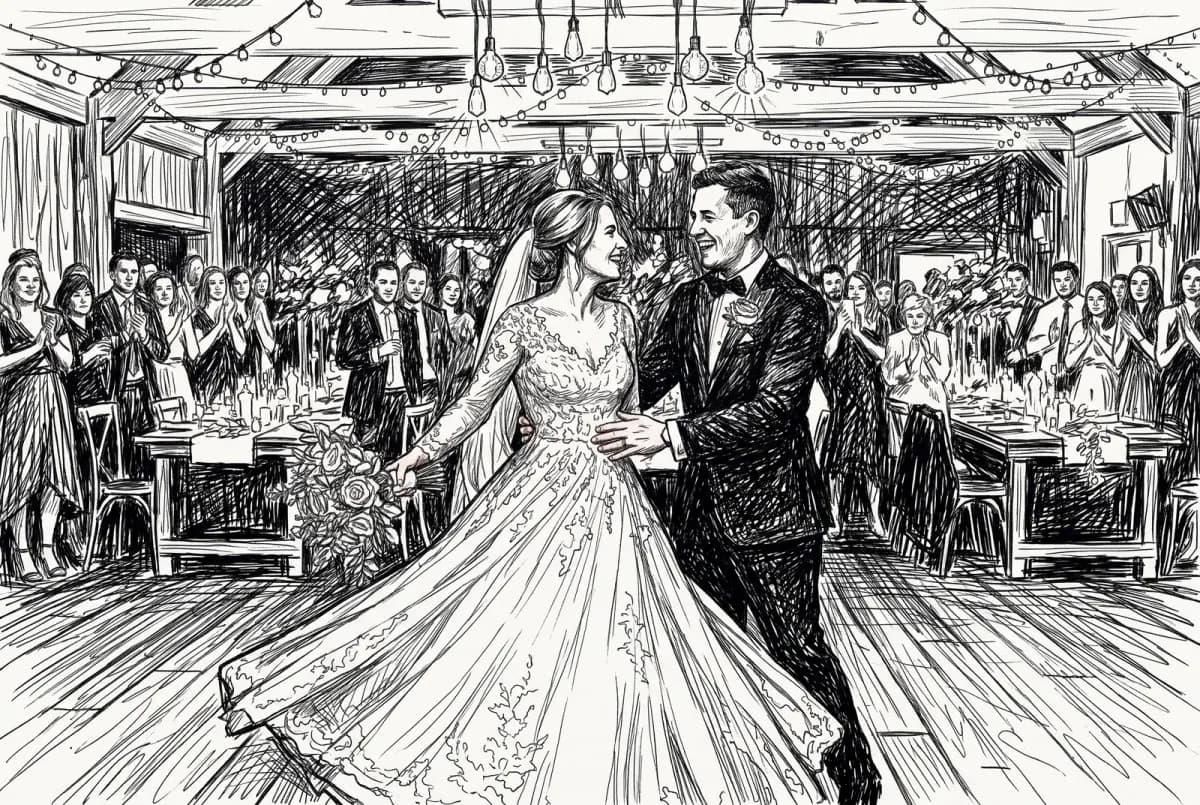
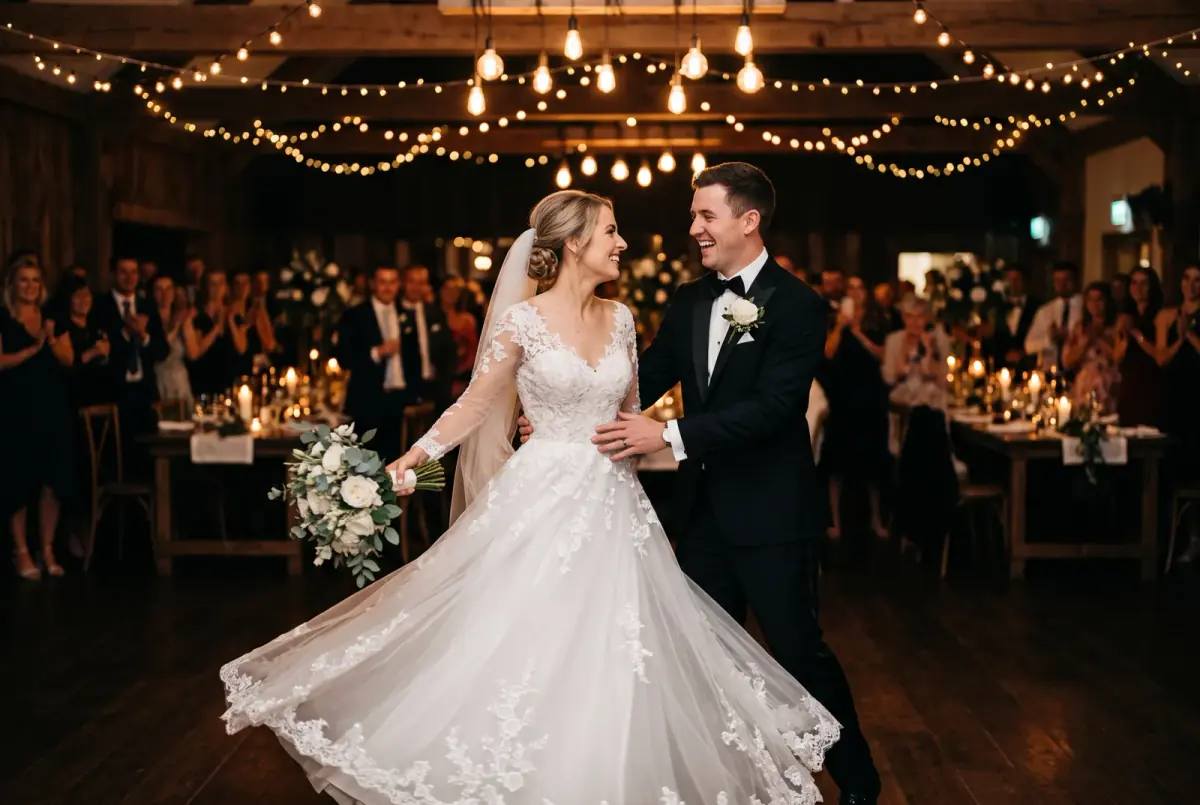
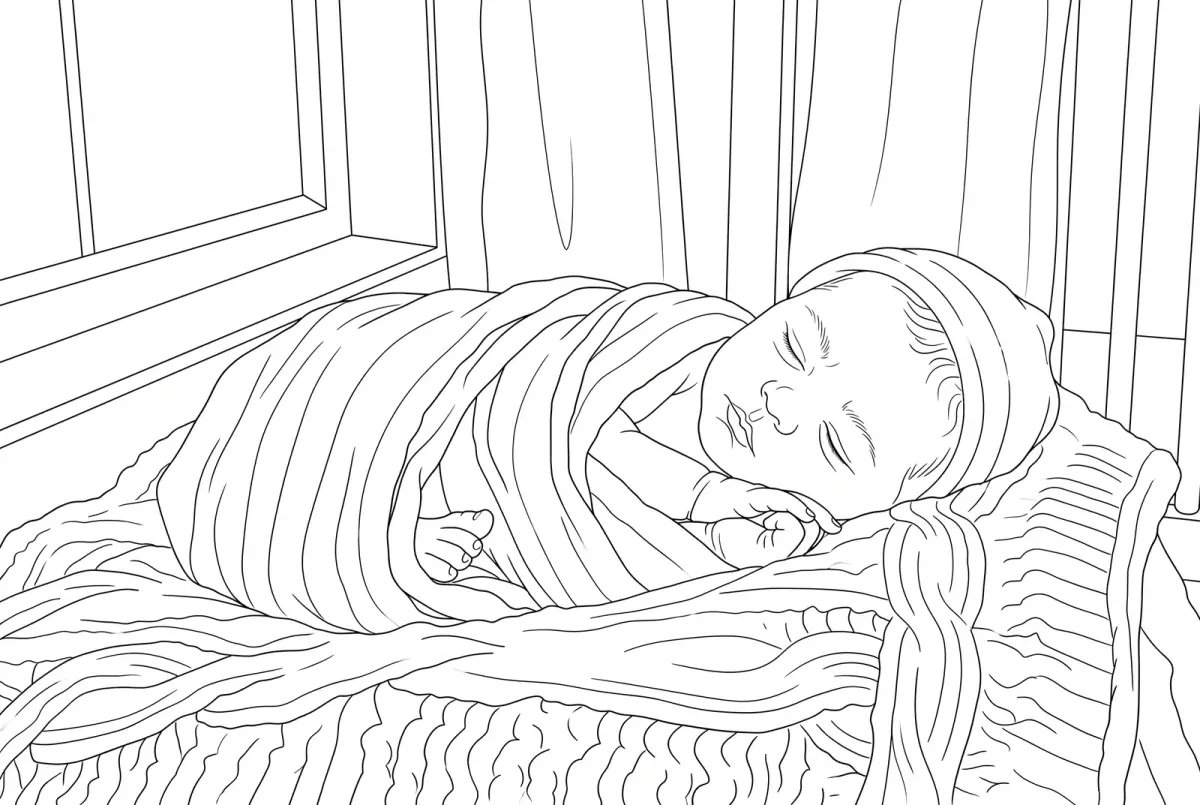
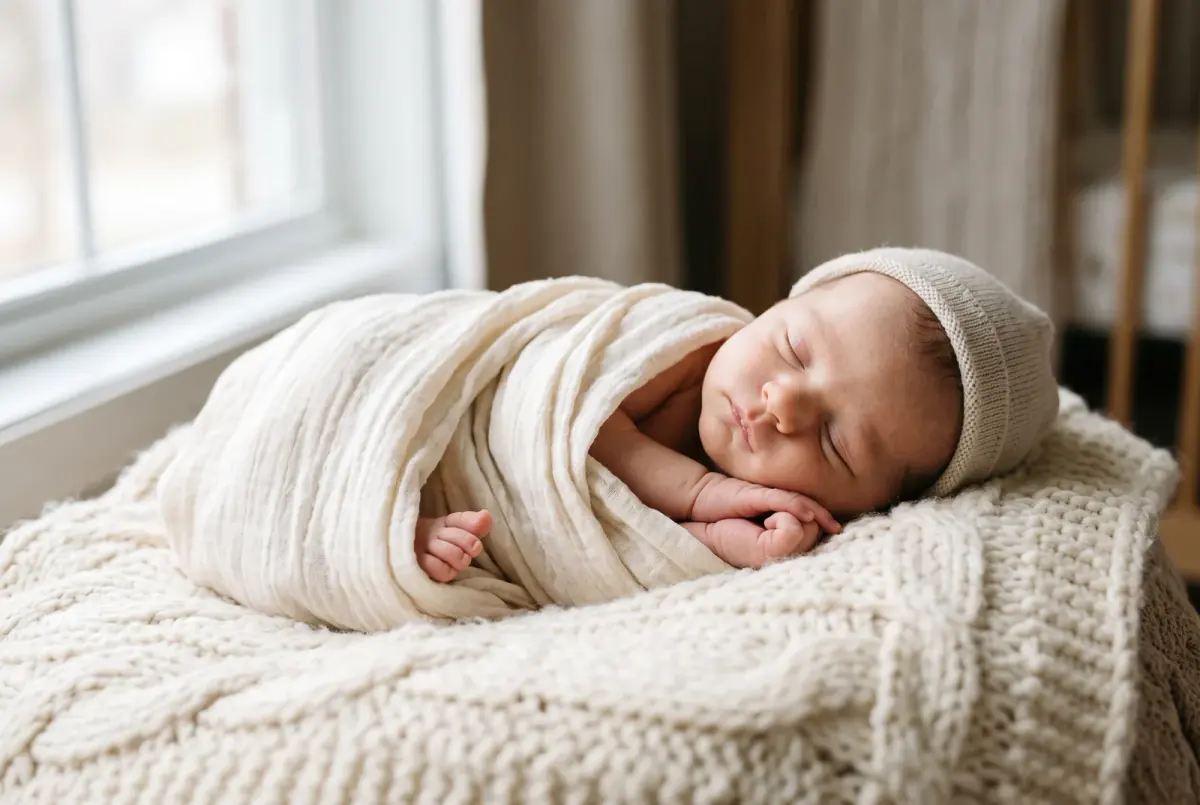
Demo
Turn Any Photo Into a Sketch in Seconds
Drop a photo into SketchWish and, moments later, you'll have a polished piece of sketch art ready to download.
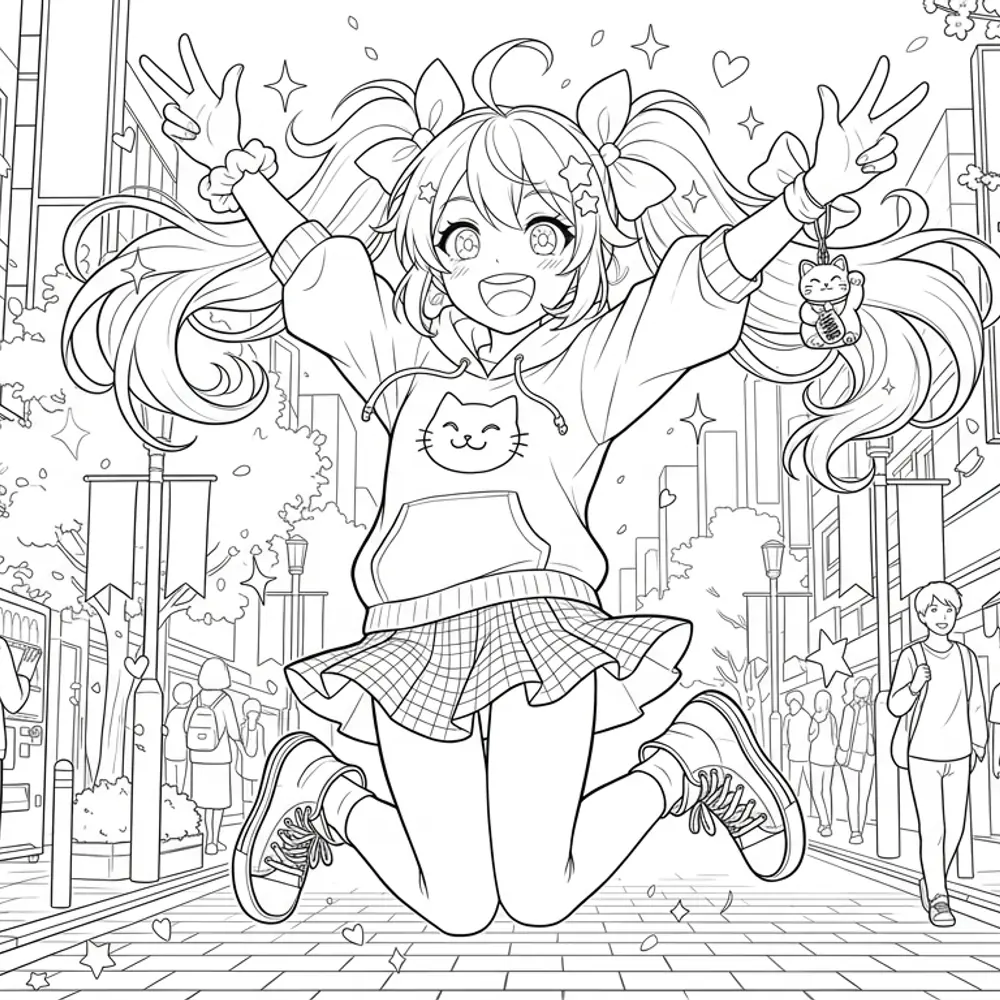
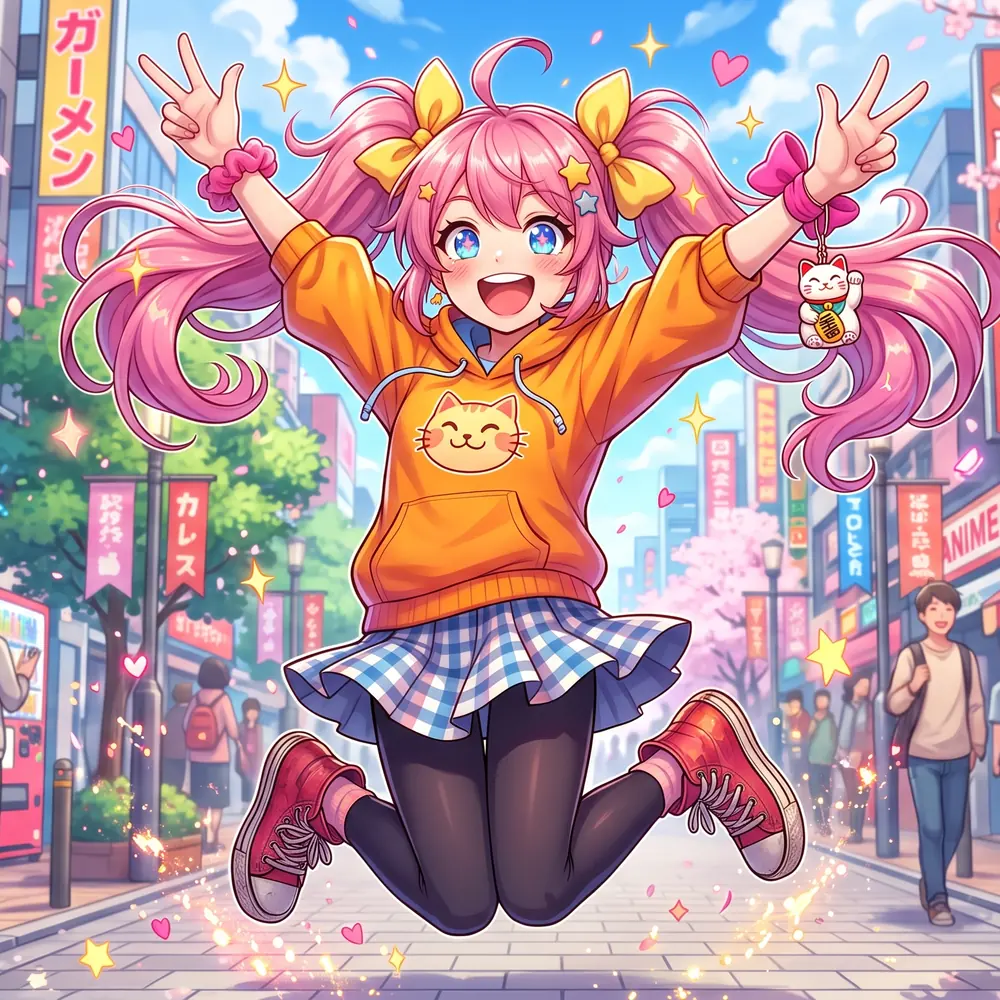
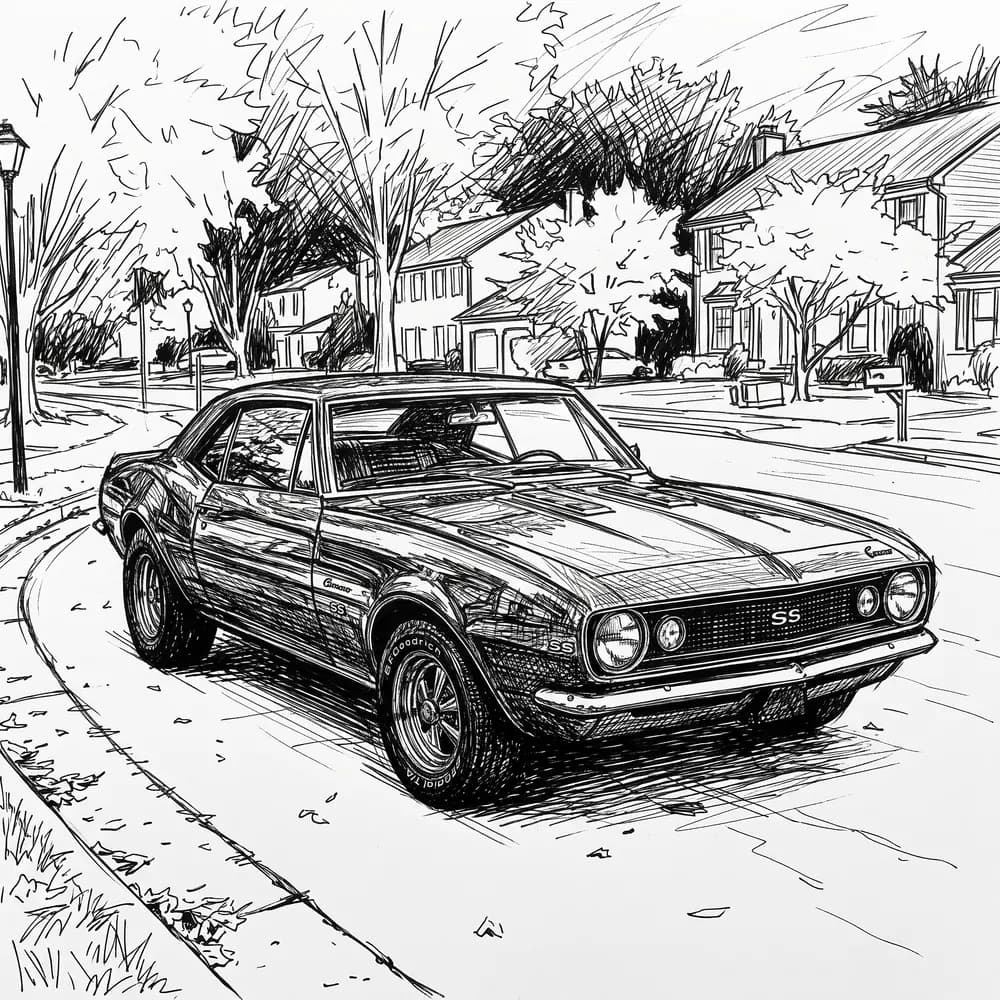
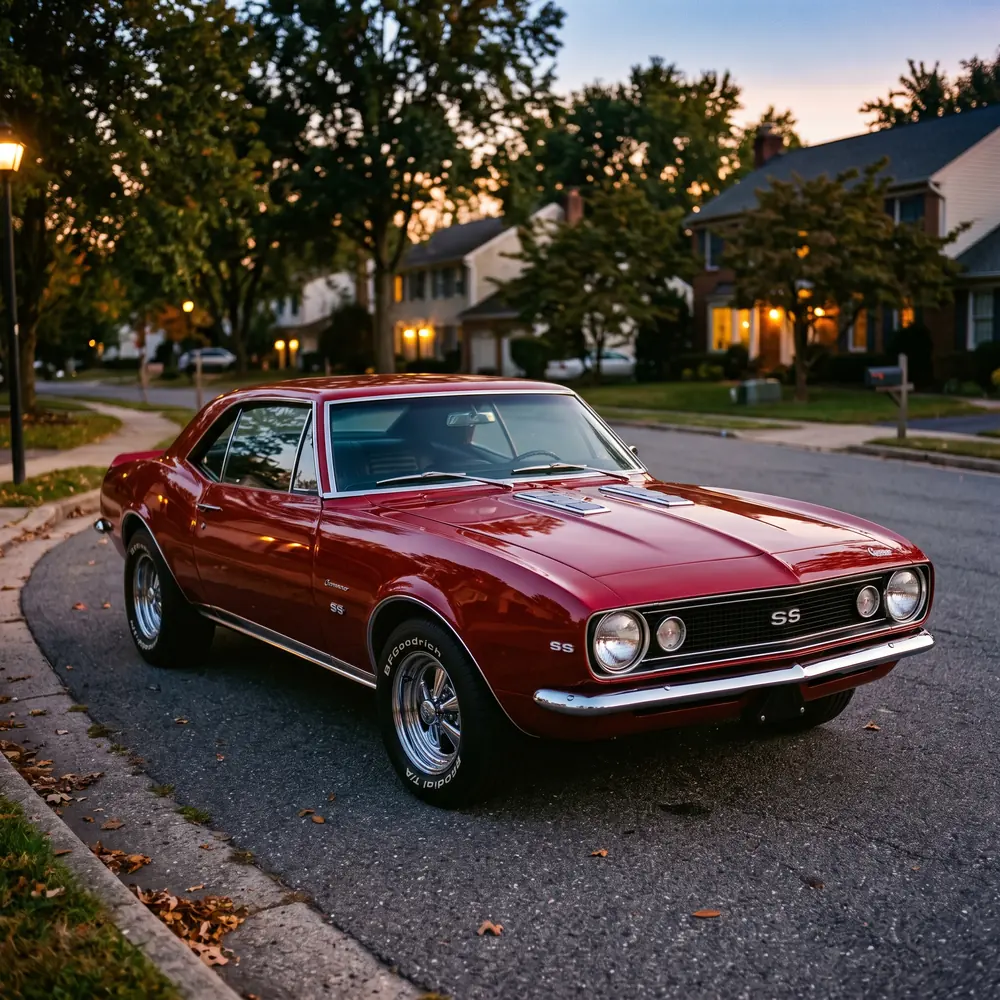
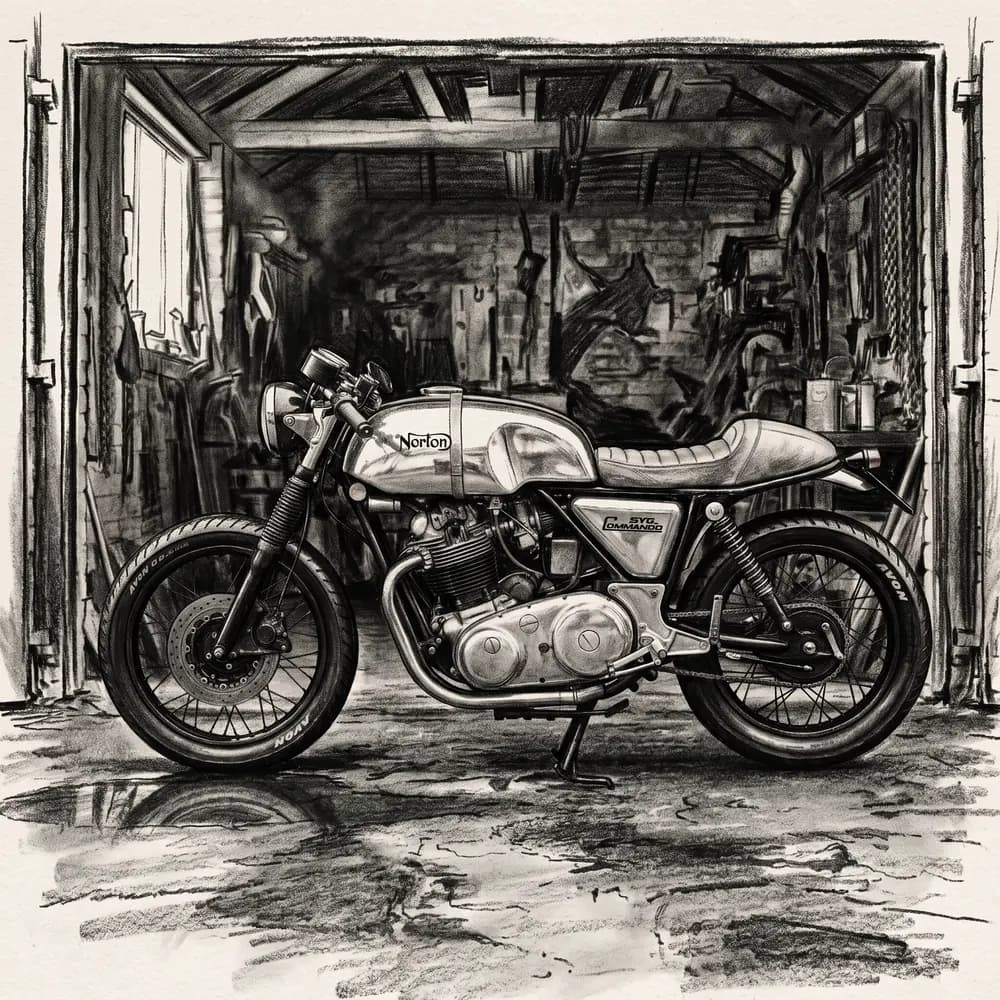
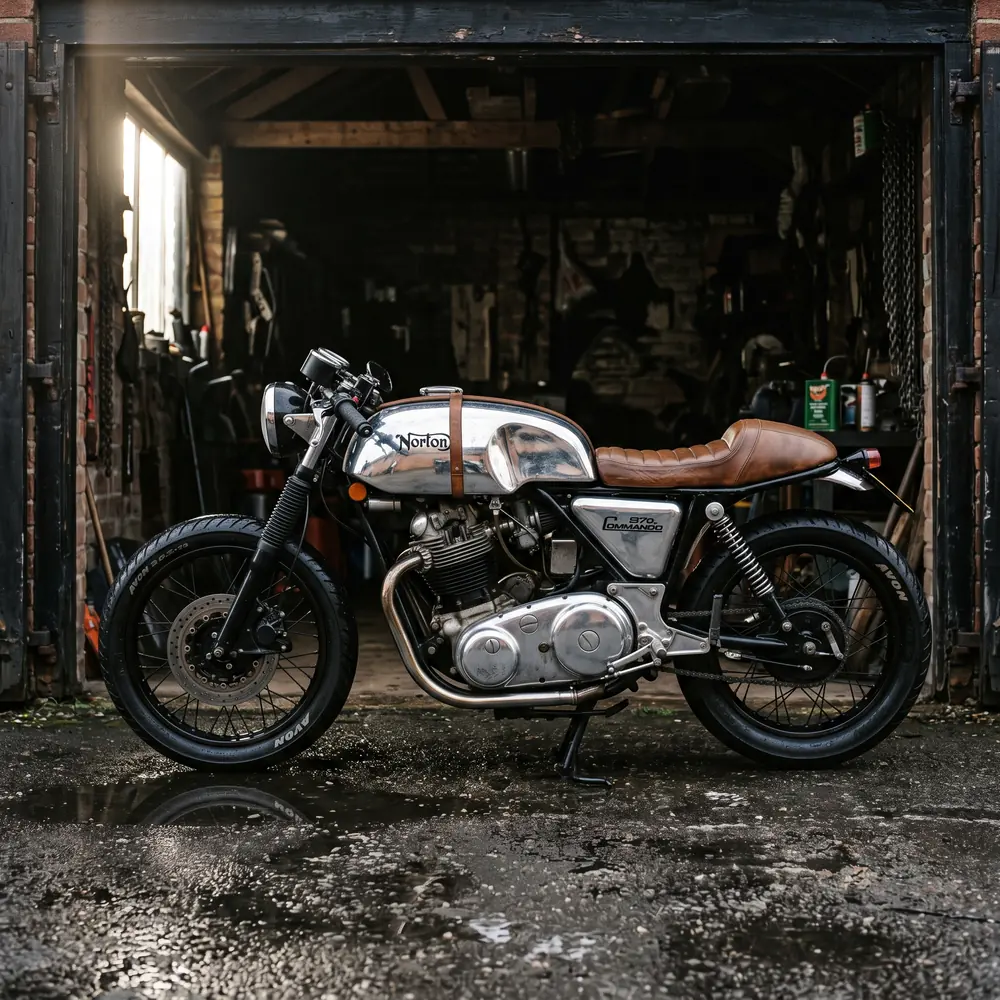
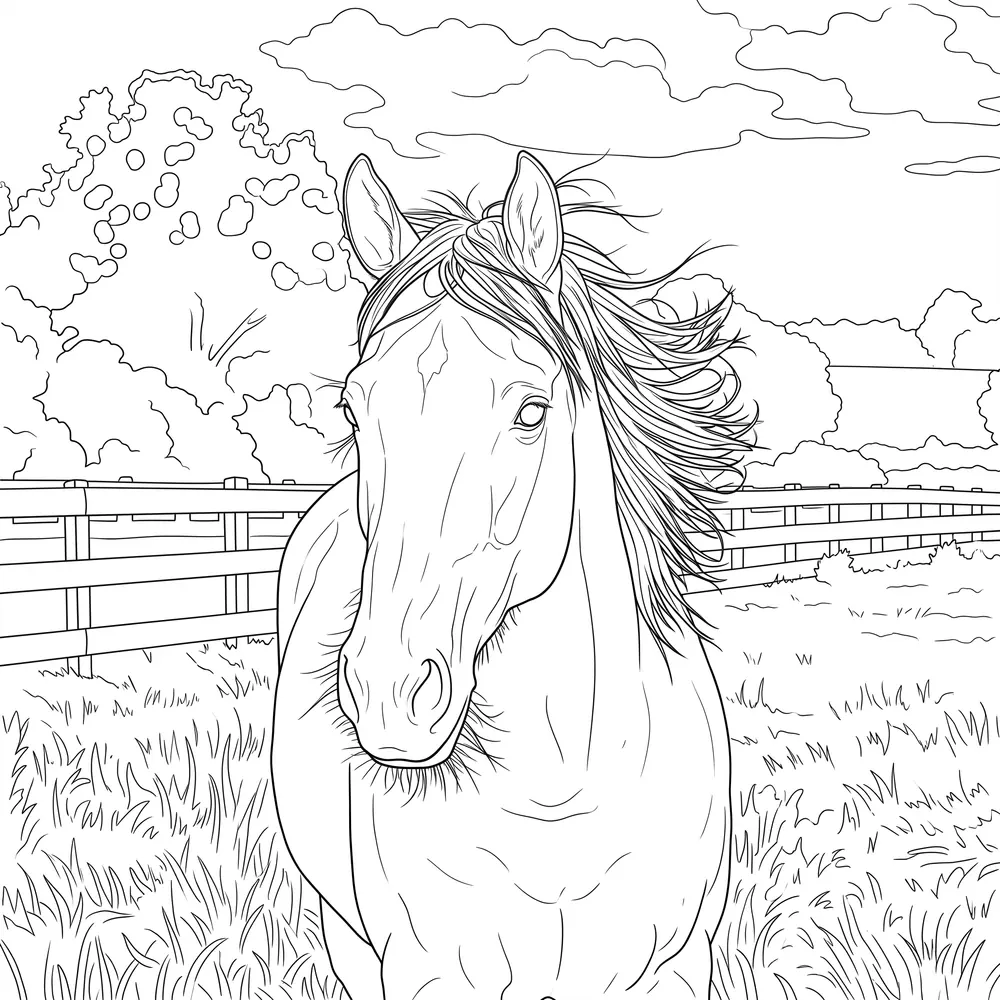
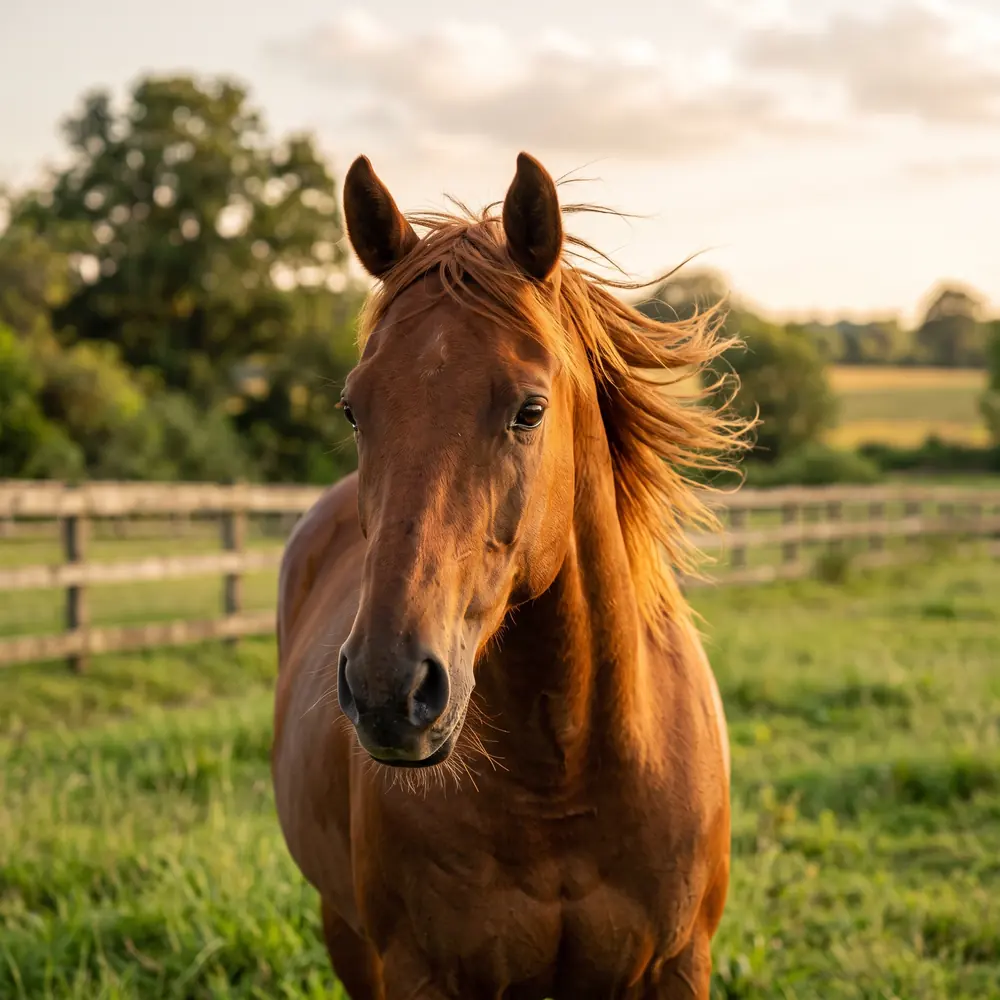
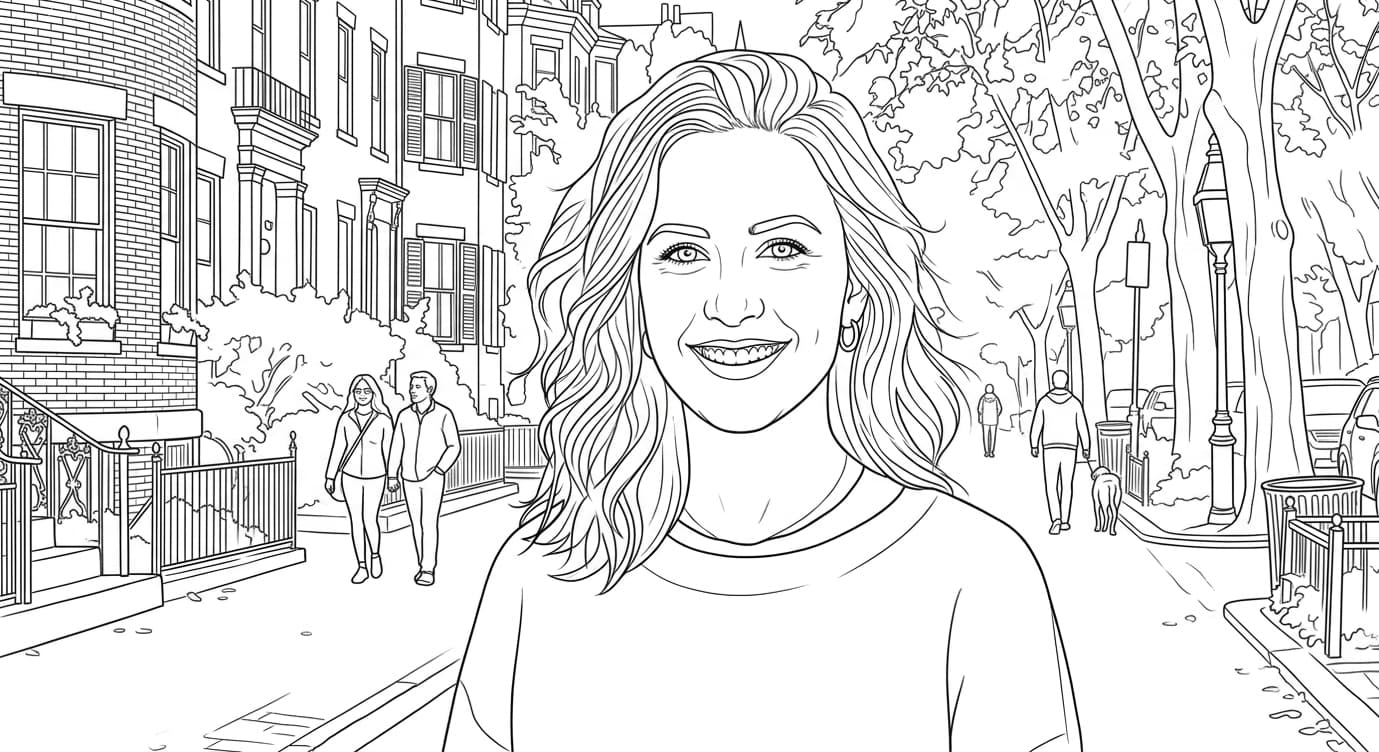
Clean Line Art
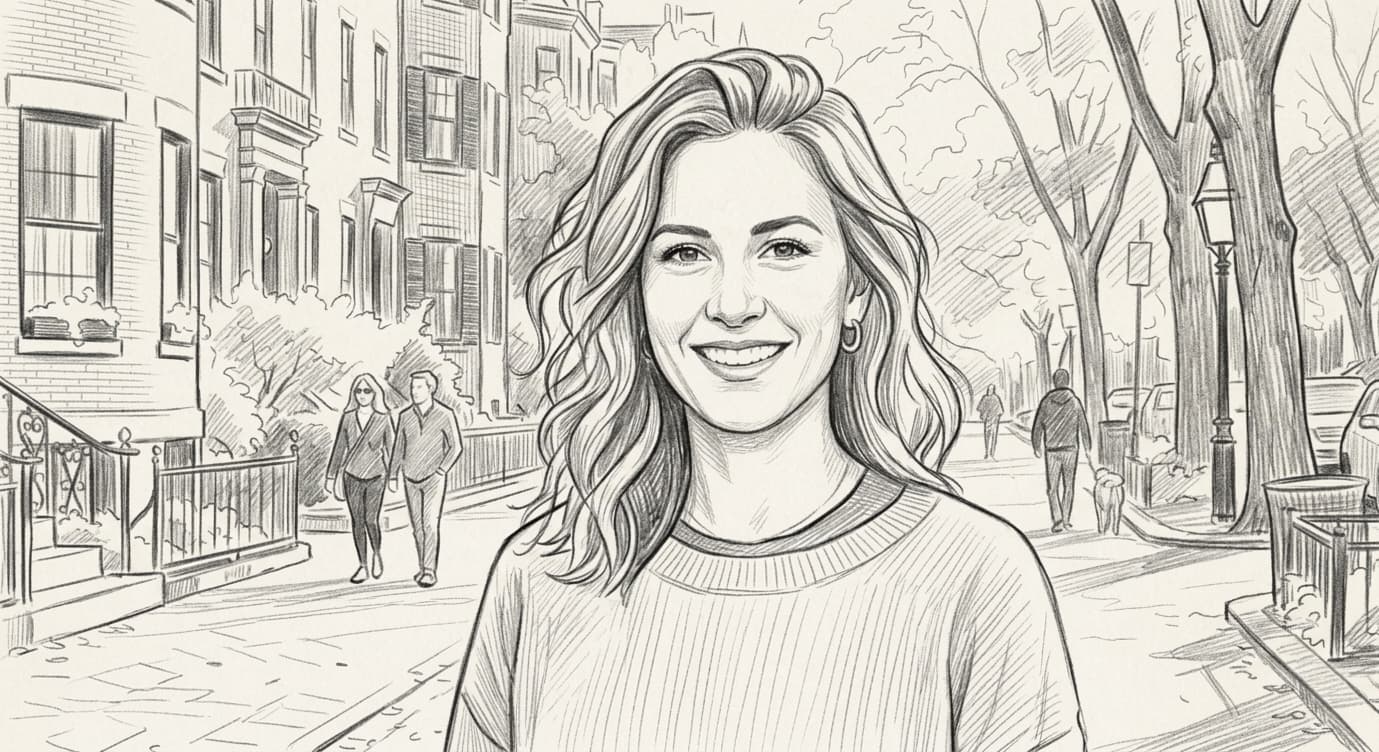
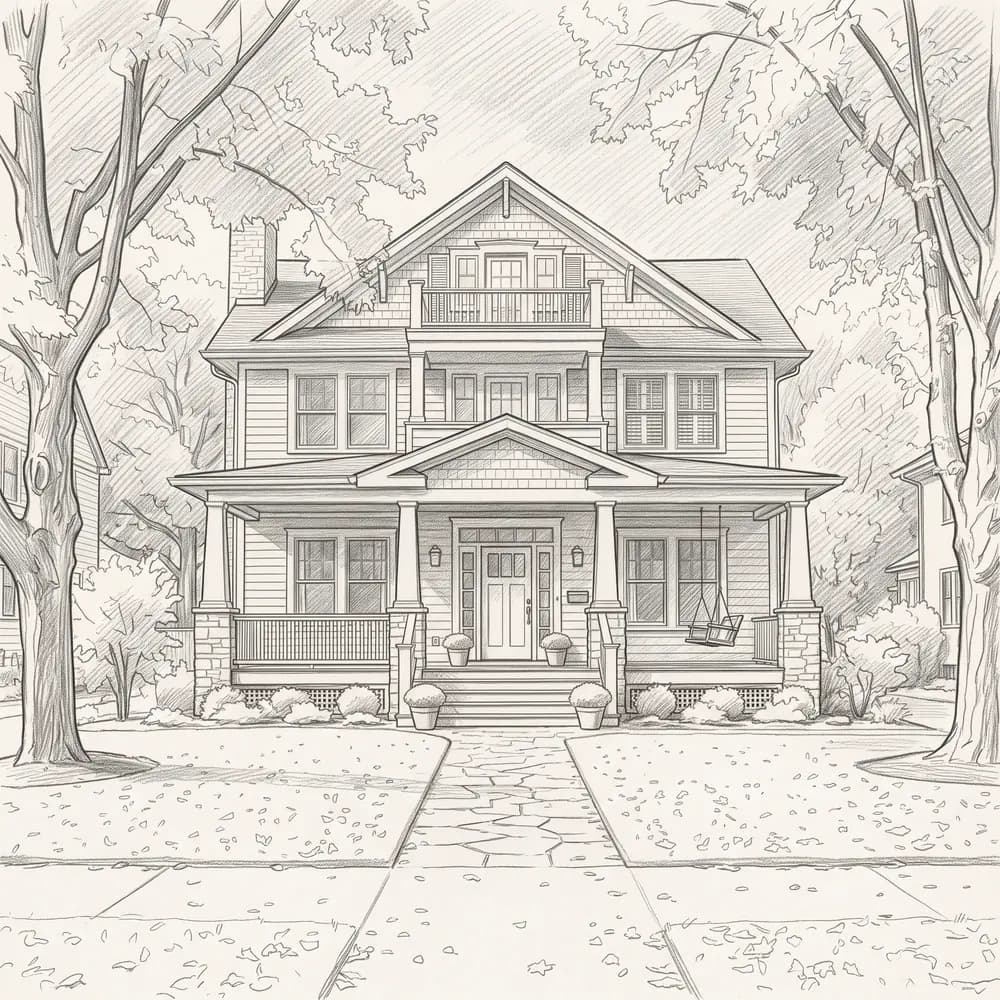
Pencil Sketch
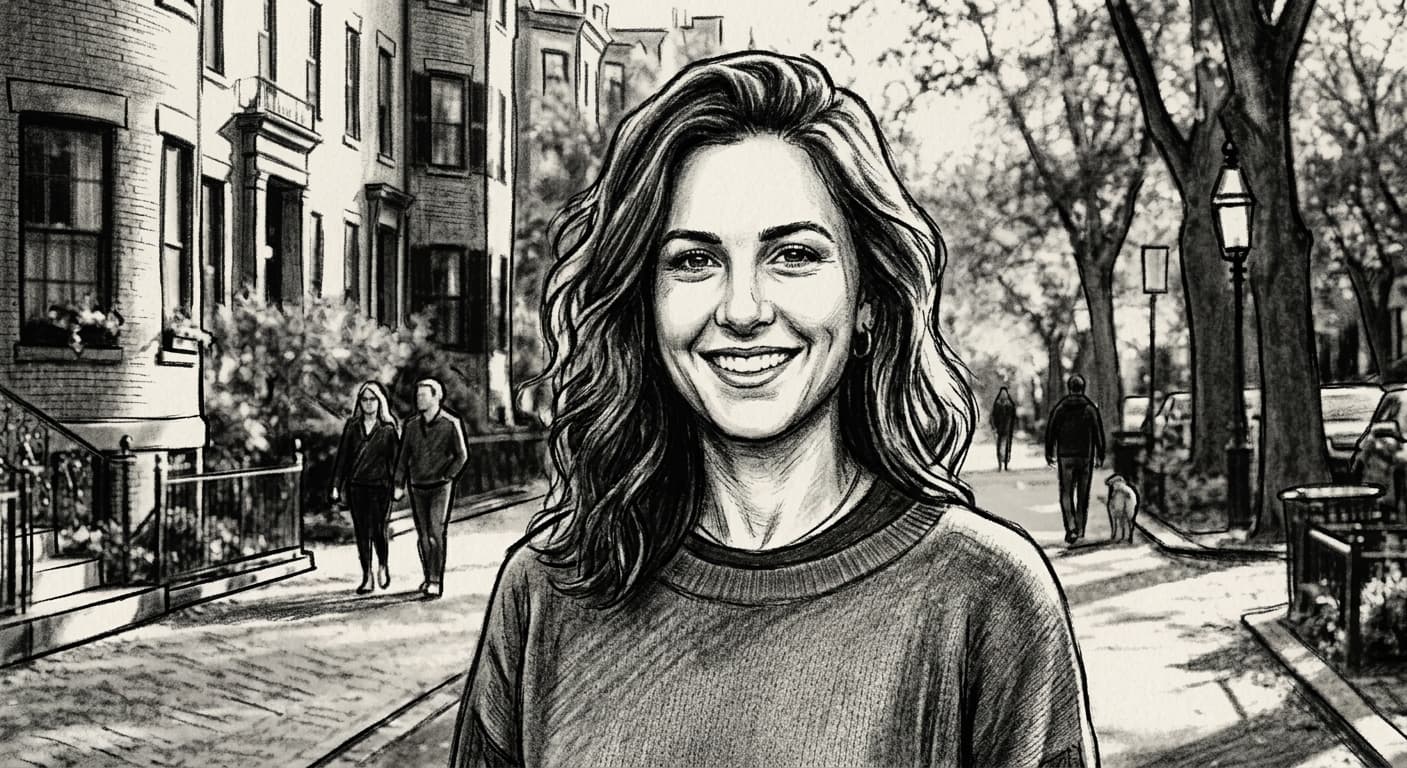
Charcoal Sketch
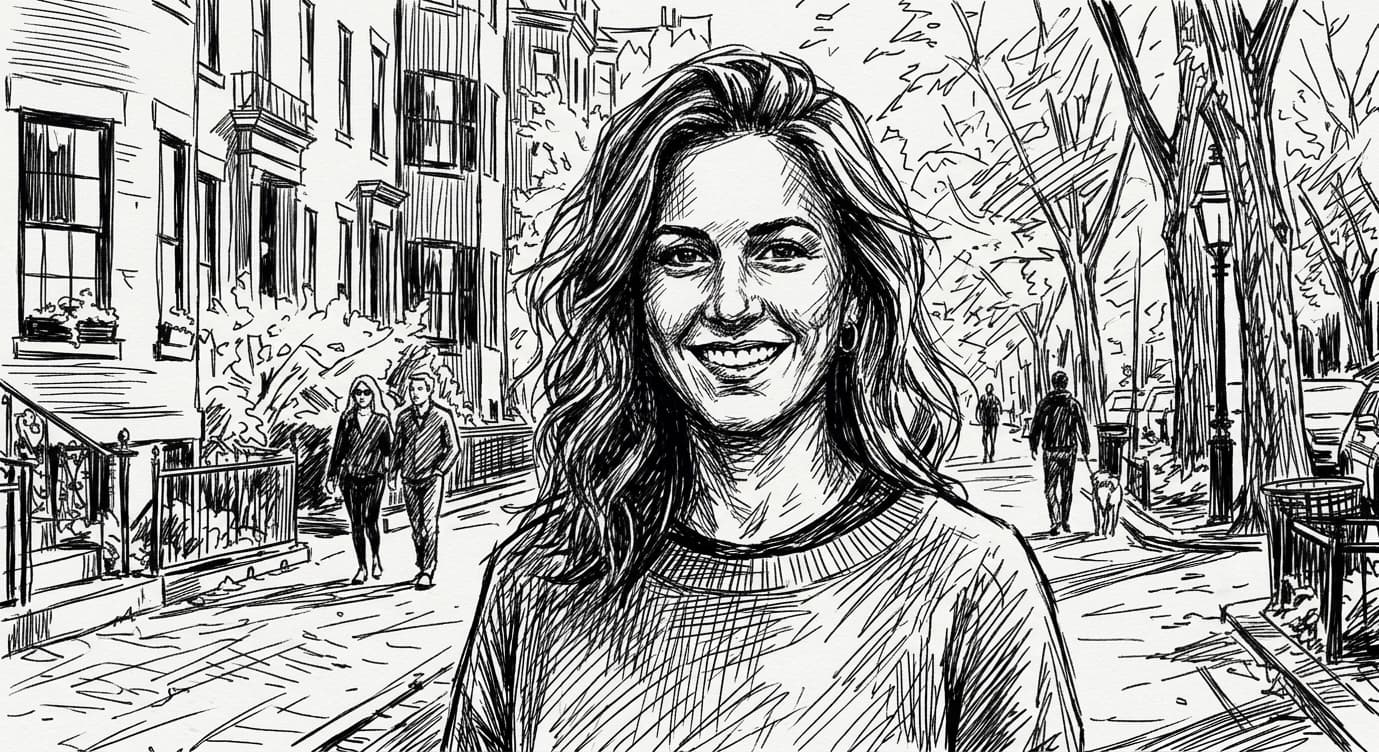
Ink sketch
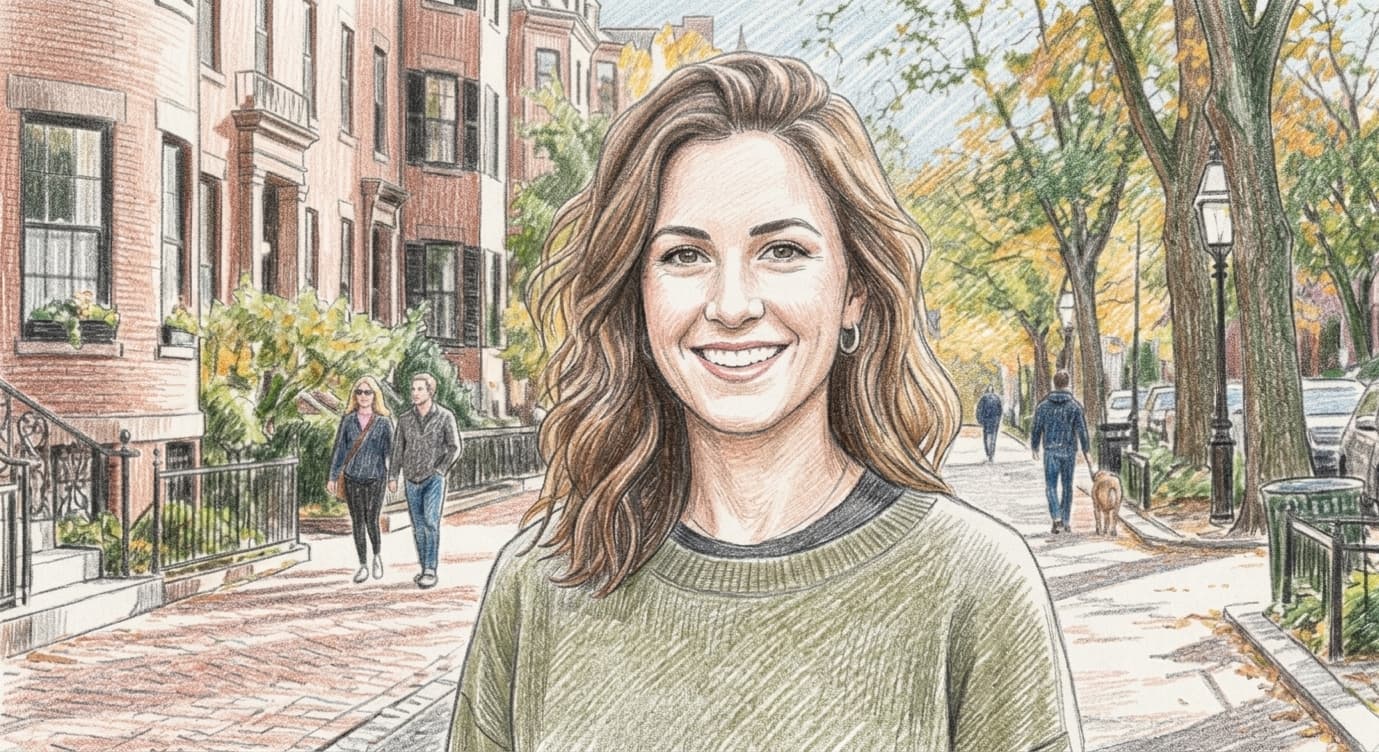
Colored Pencil
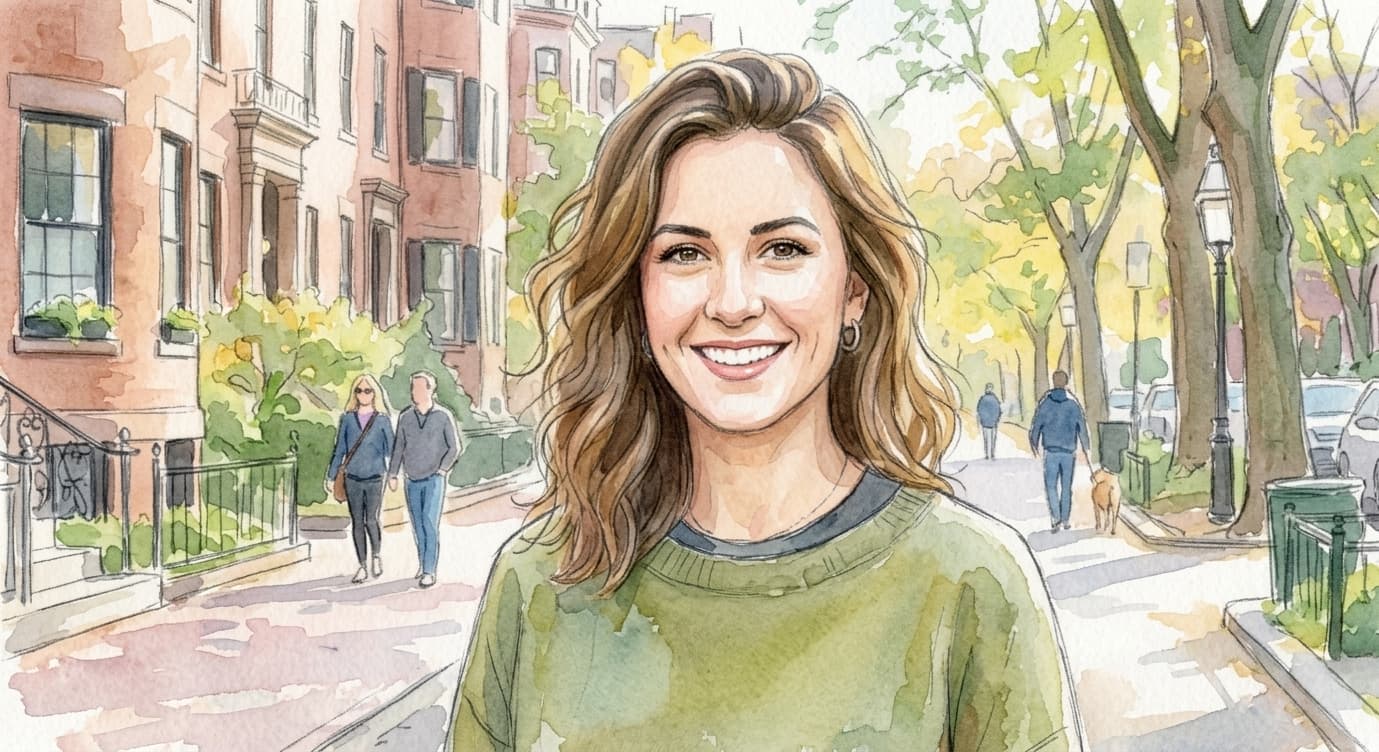
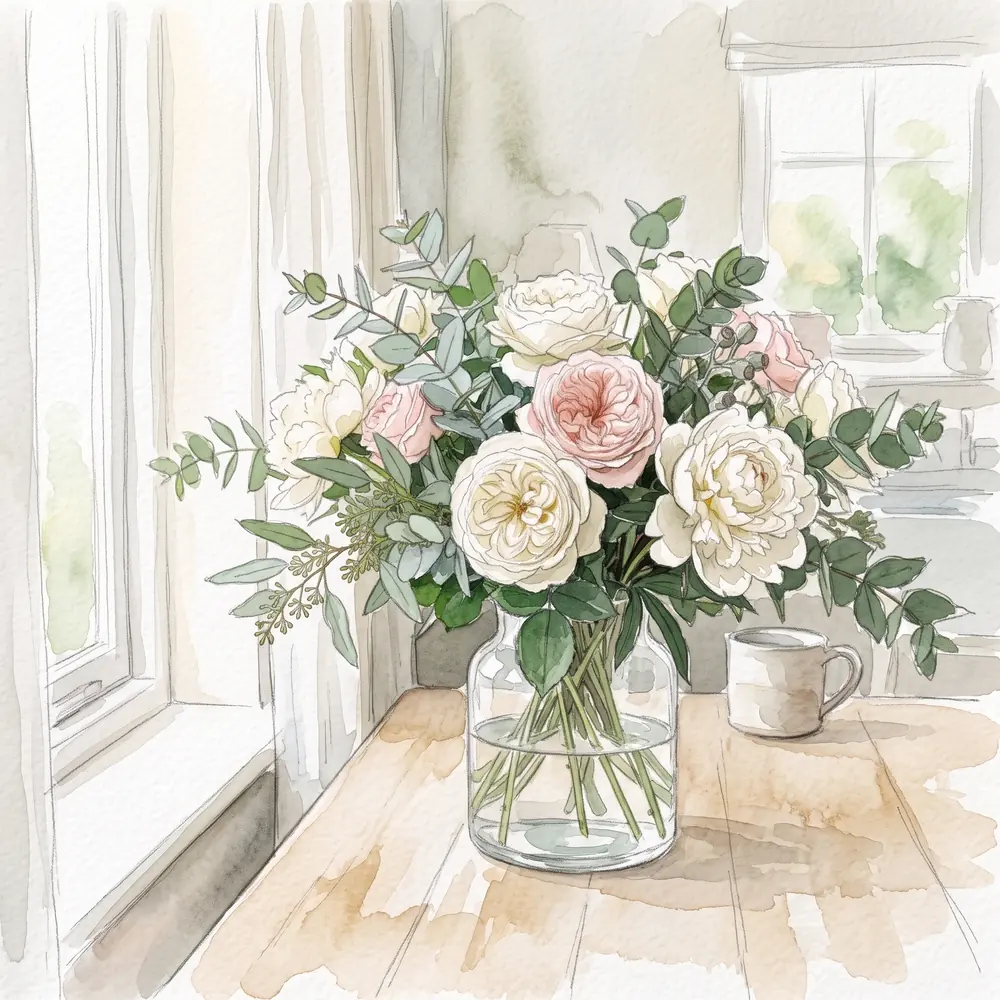
Watercolor Sketch
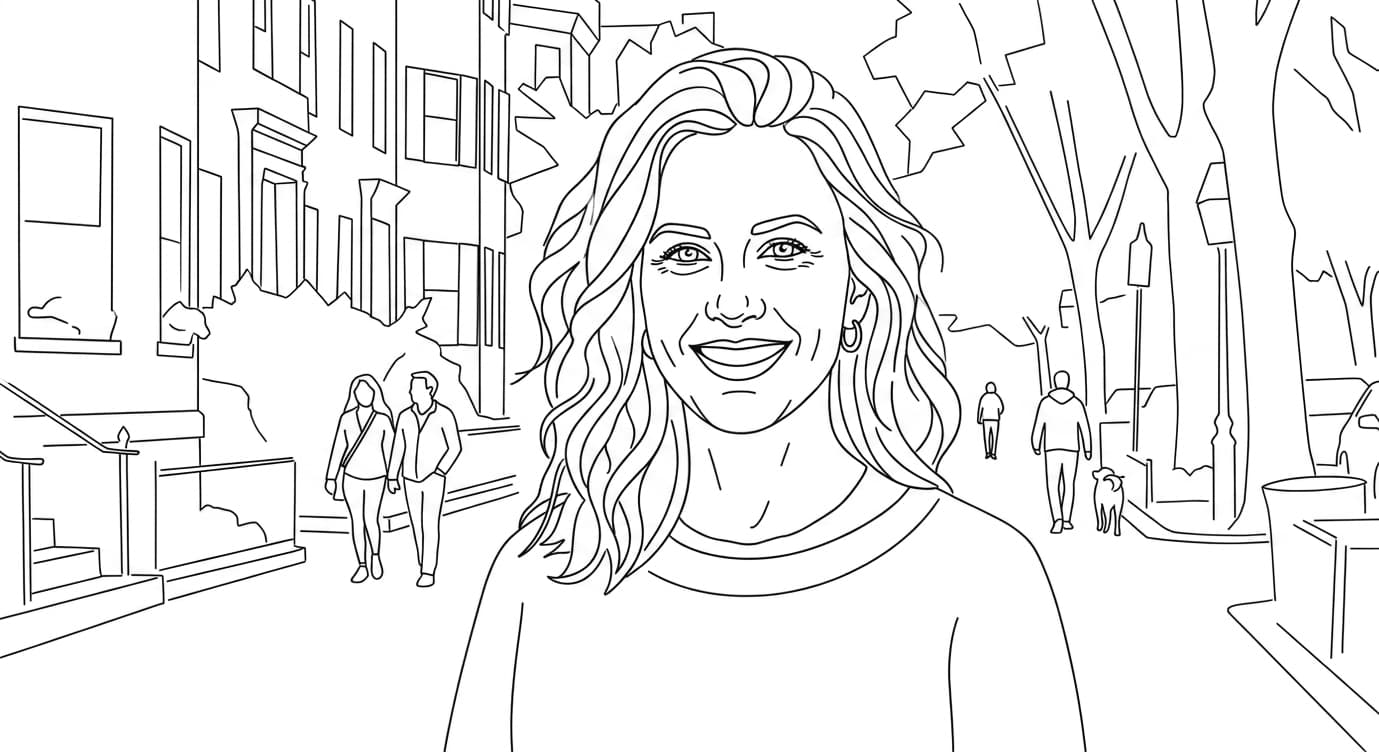
Minimal Sketch
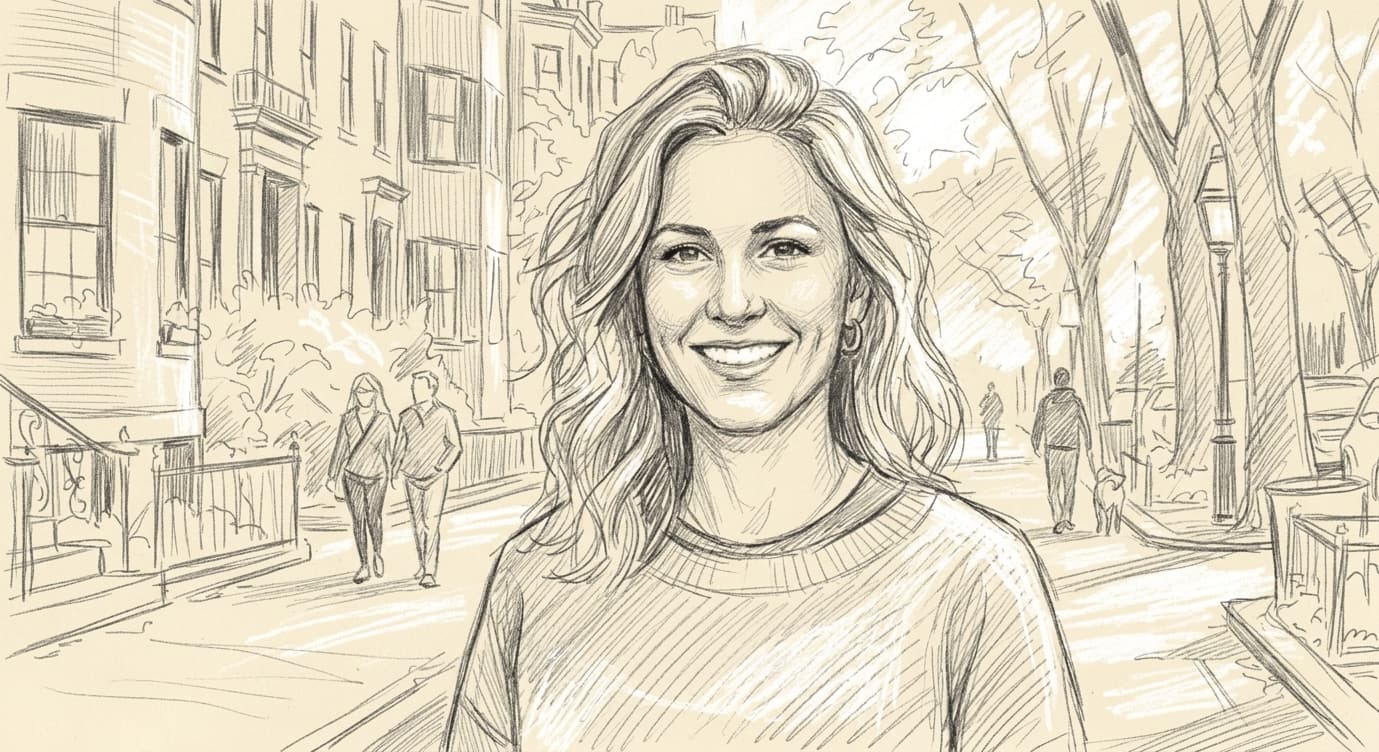
Figure sketch
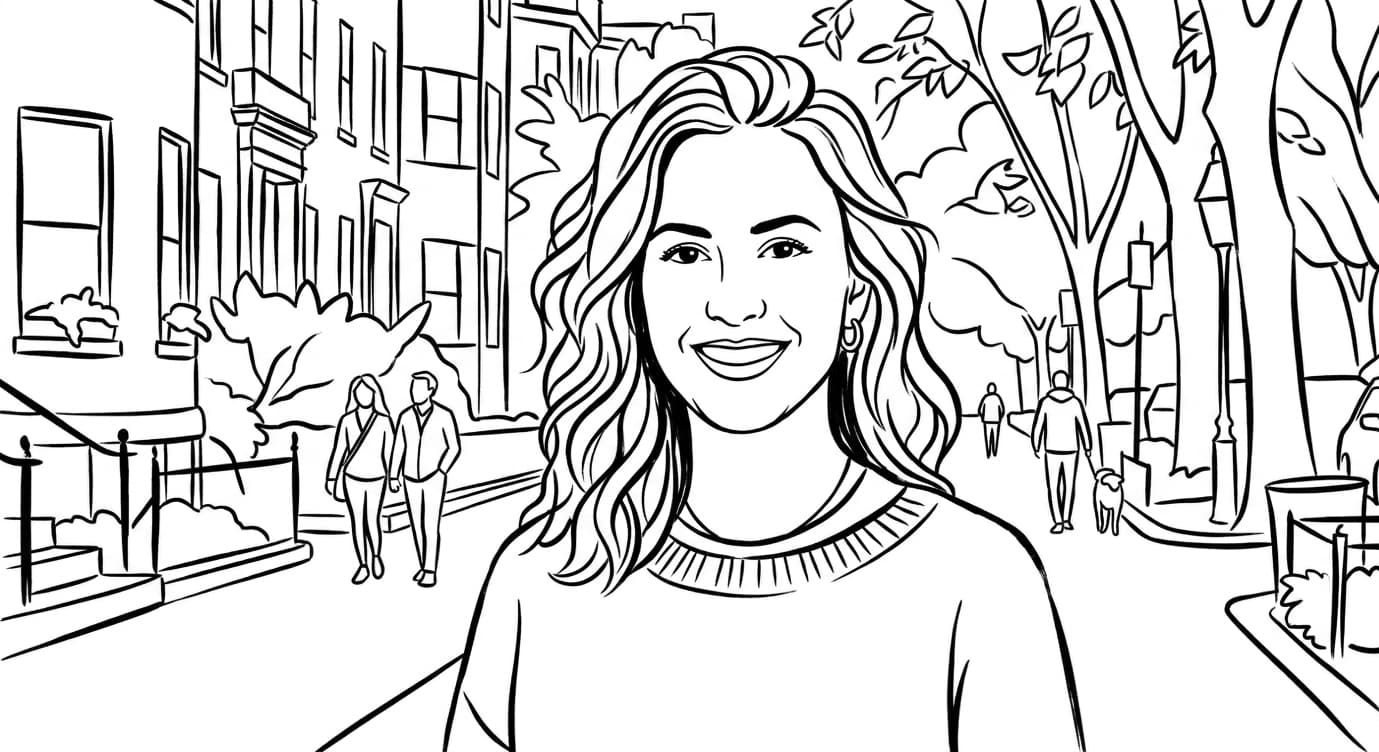
Simplified Art
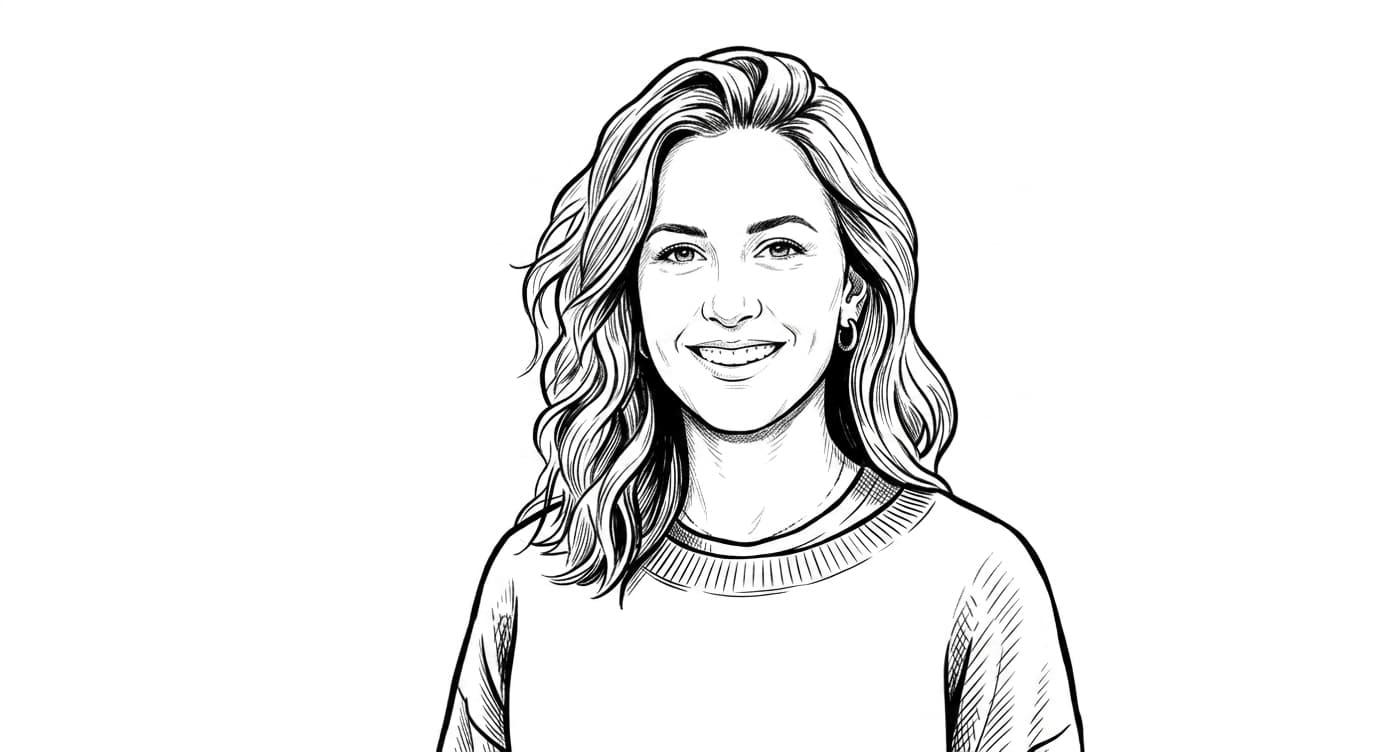
No BG
Clean Line Art
Pencil Sketch
Charcoal Sketch
Ink sketch
Colored Pencil
Watercolor Sketch
Minimal Sketch
Figure sketch
Simplified Art
No BG
Clean Line Art
Pencil Sketch
Charcoal Sketch
Ink sketch
Colored Pencil
Watercolor Sketch
Minimal Sketch
Figure sketch
Simplified Art
No BG
2K and 4K are available on paid plans. Upgrade to unlock →
Upload Your Image
Drag a photo in, or tap to browse
Only supports PNG, JPG, and WEBP formats
Generation History
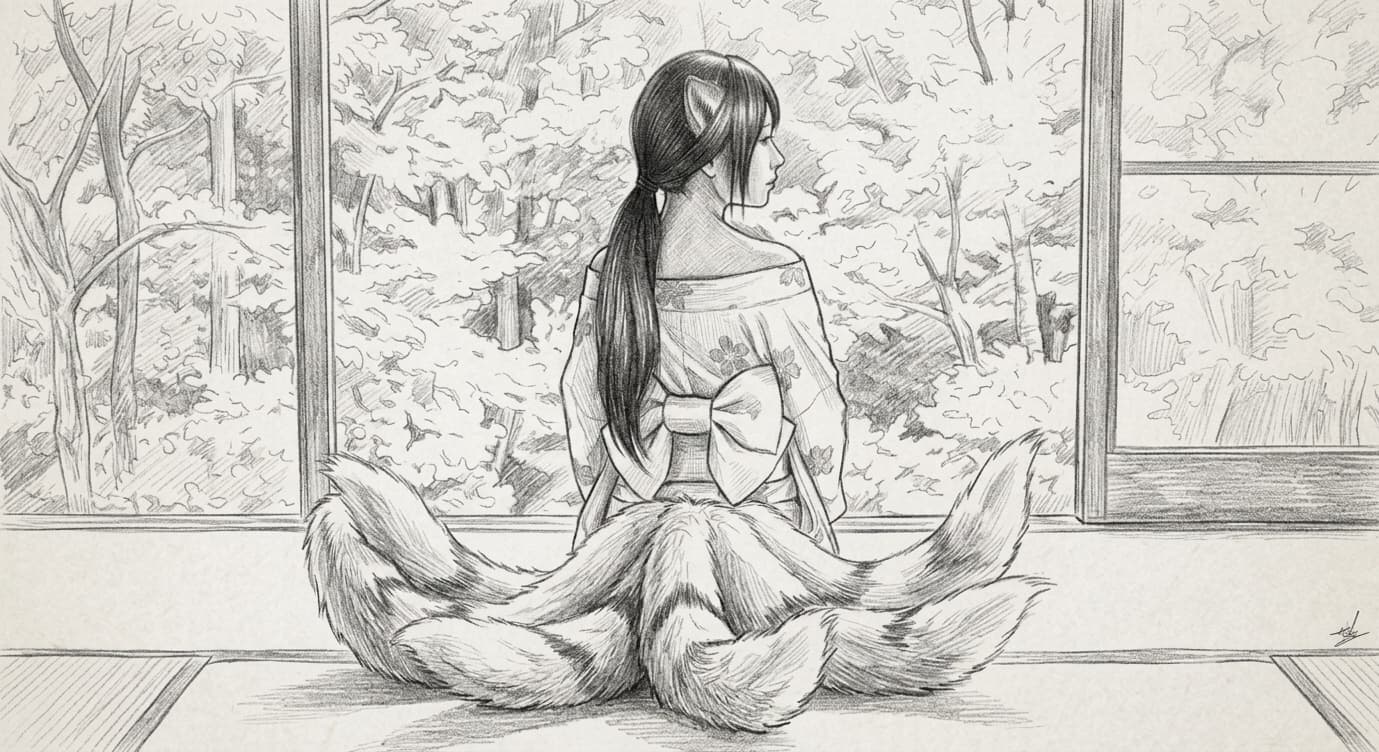
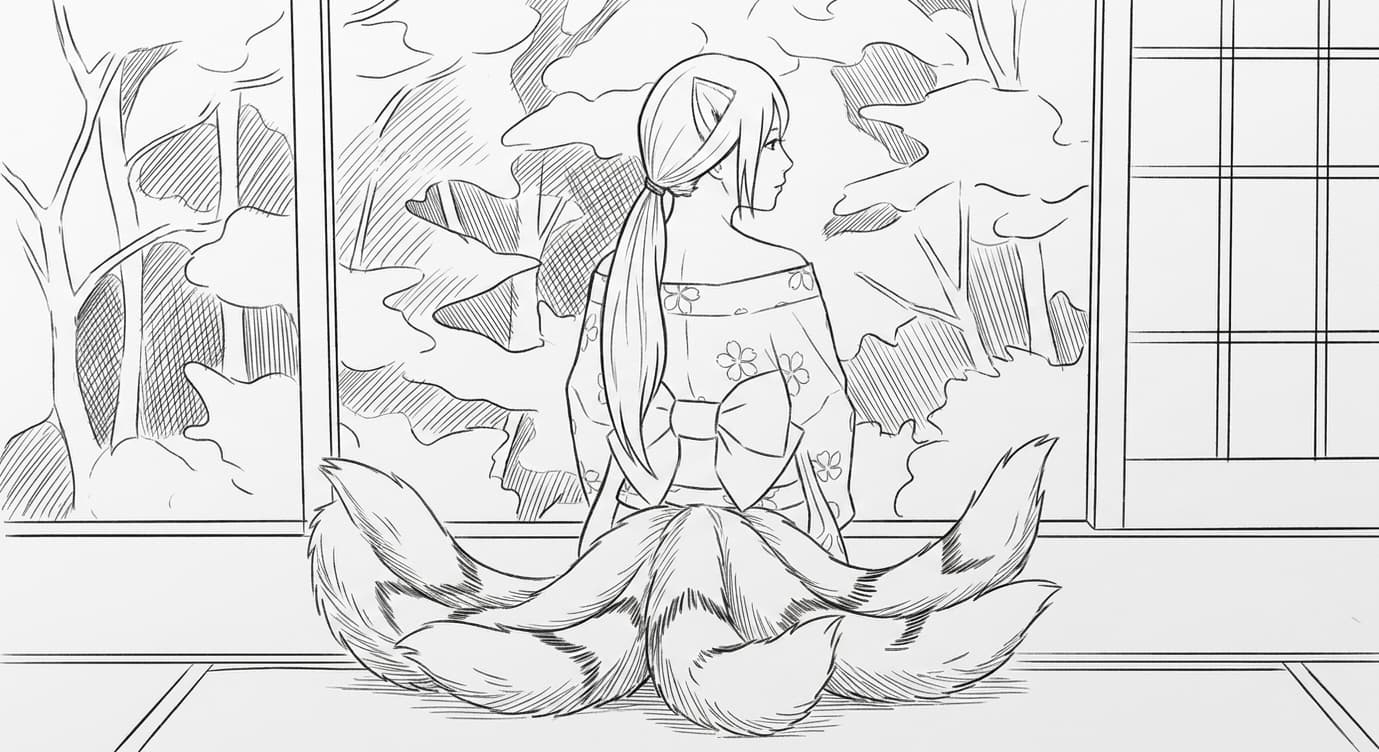
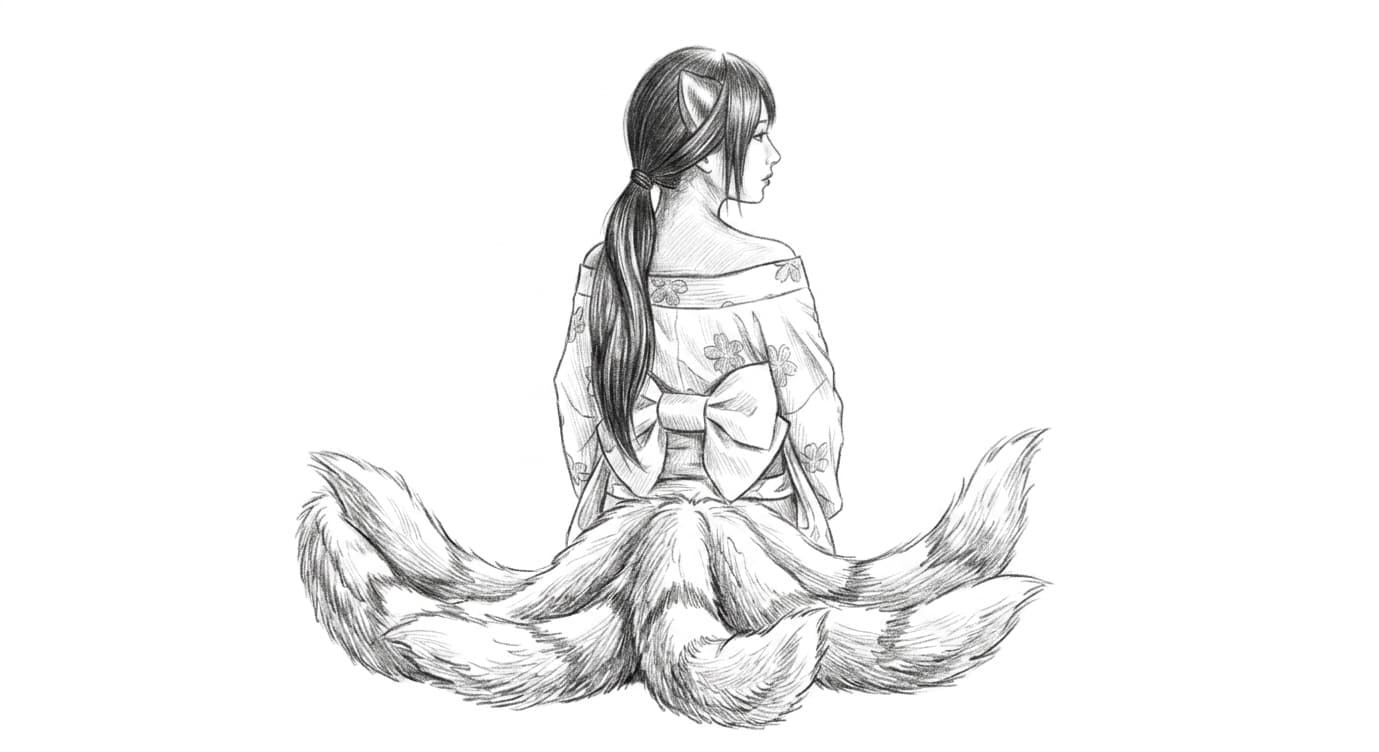
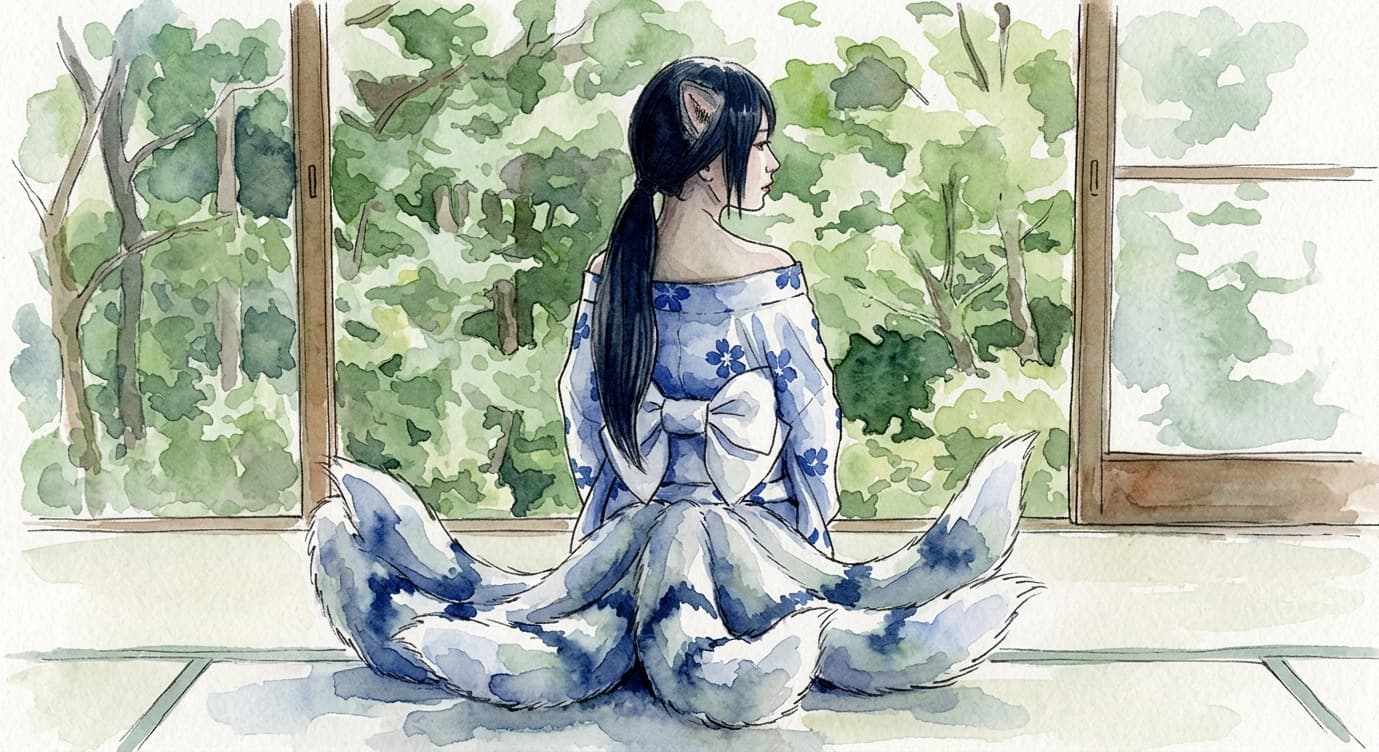
Ten Styles, One Photo
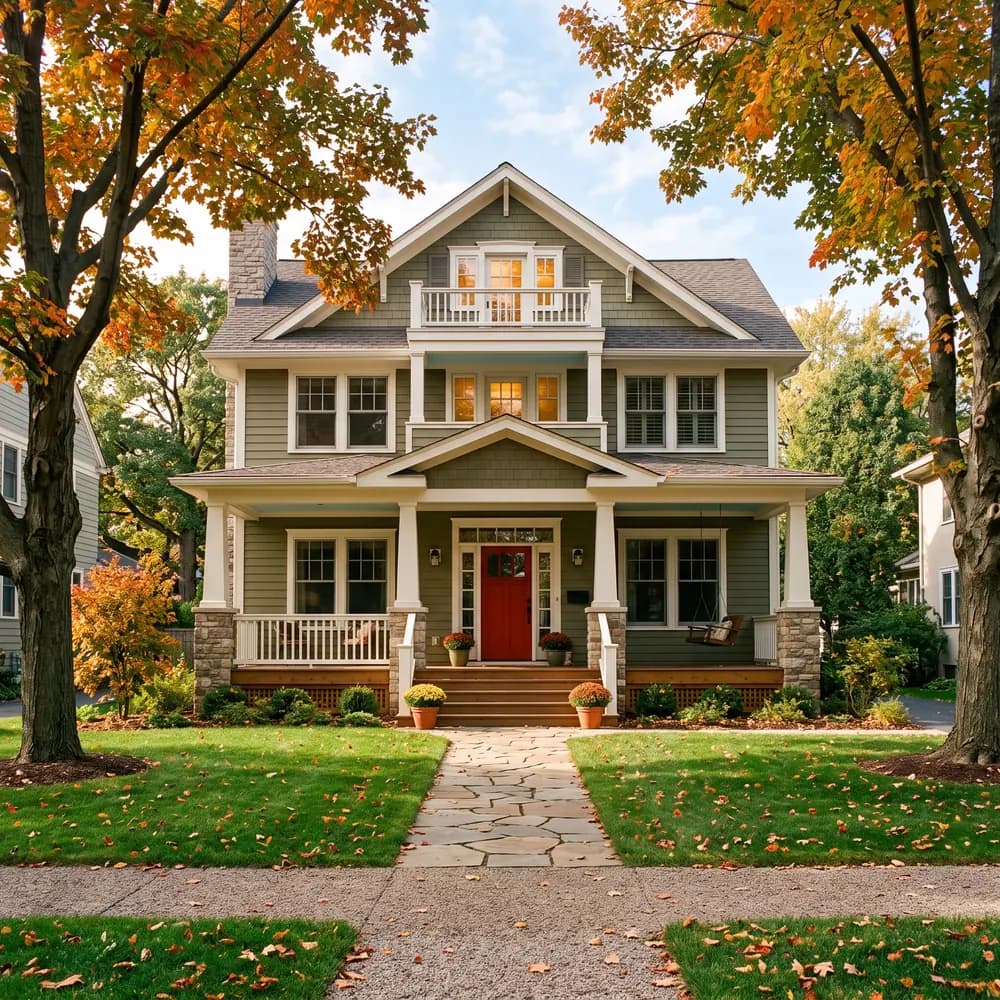
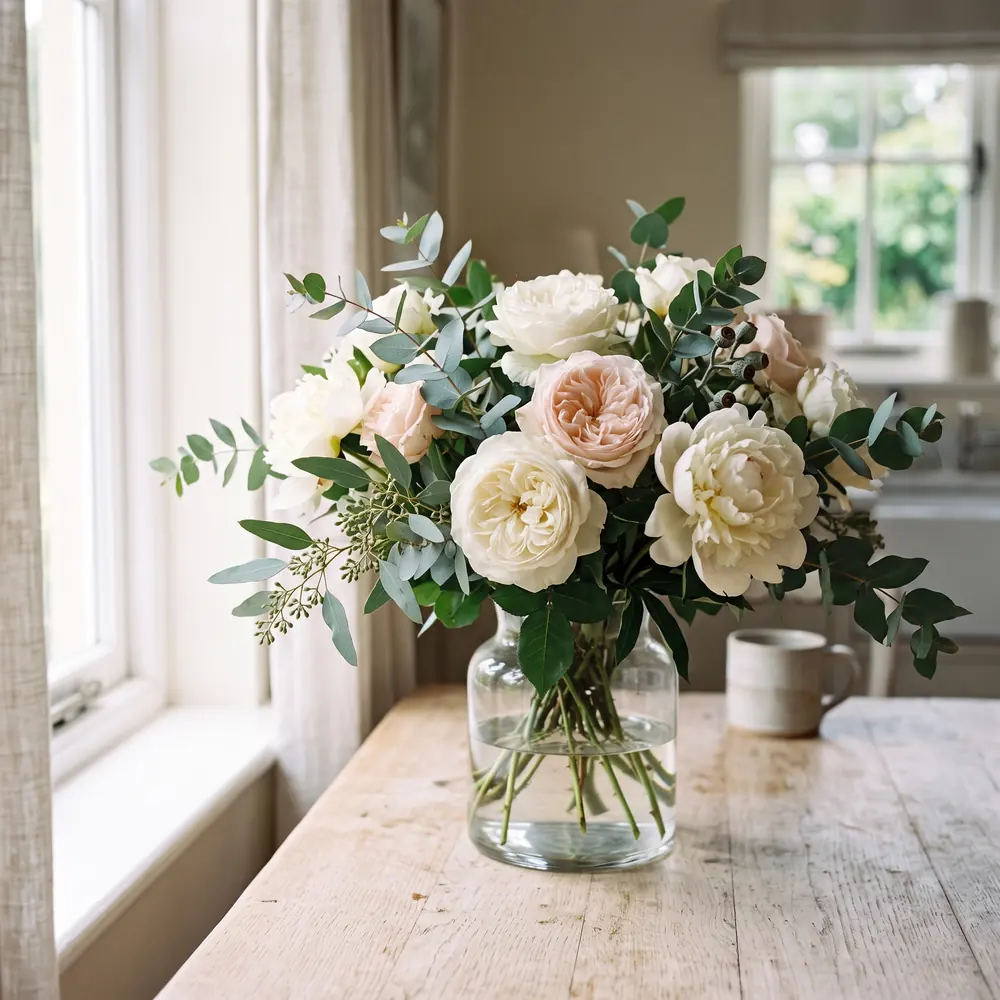
SketchWish can render the same photo in ten distinct sketch styles. Browse the samples below and pick whichever look fits your project.
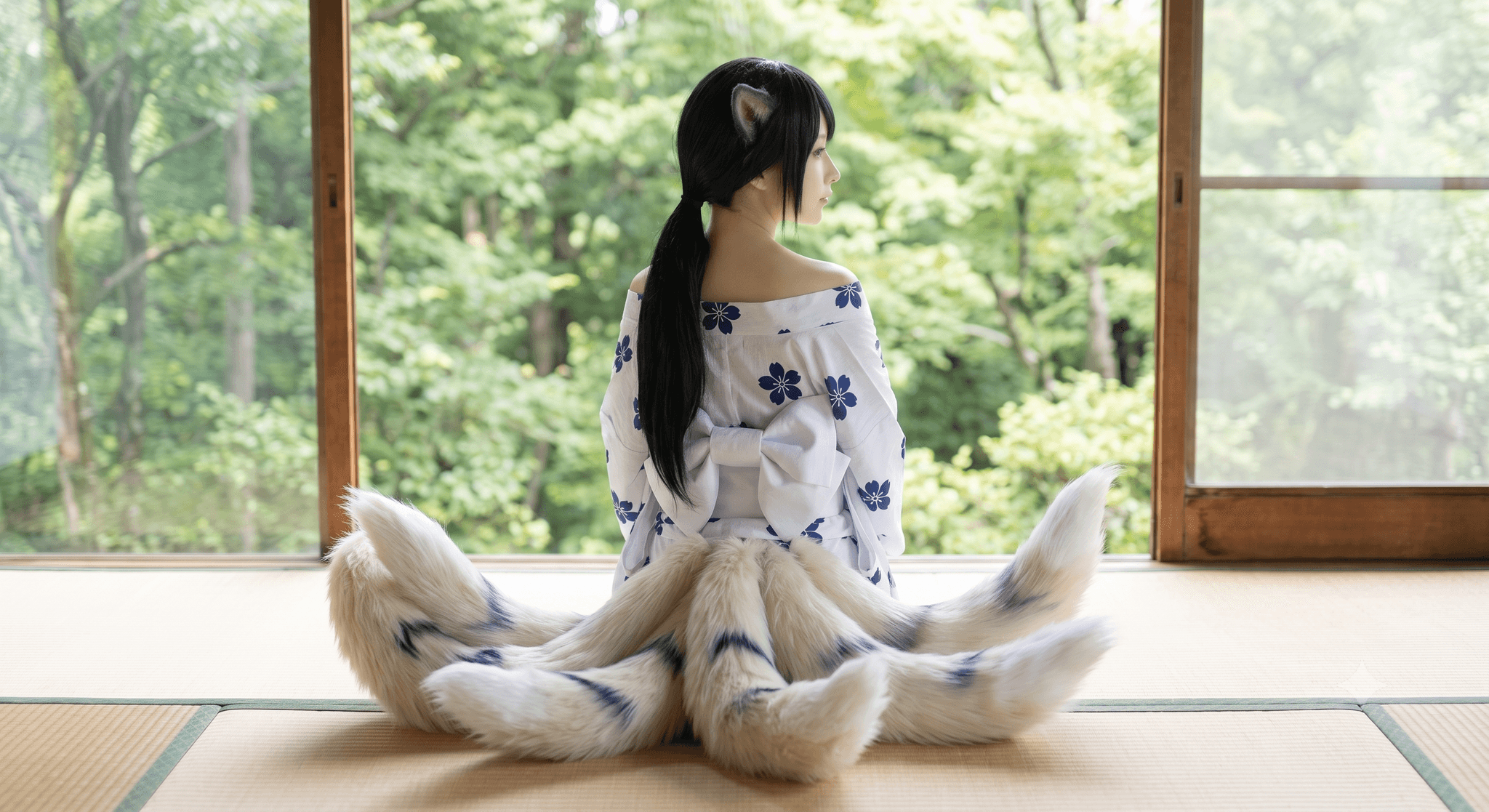
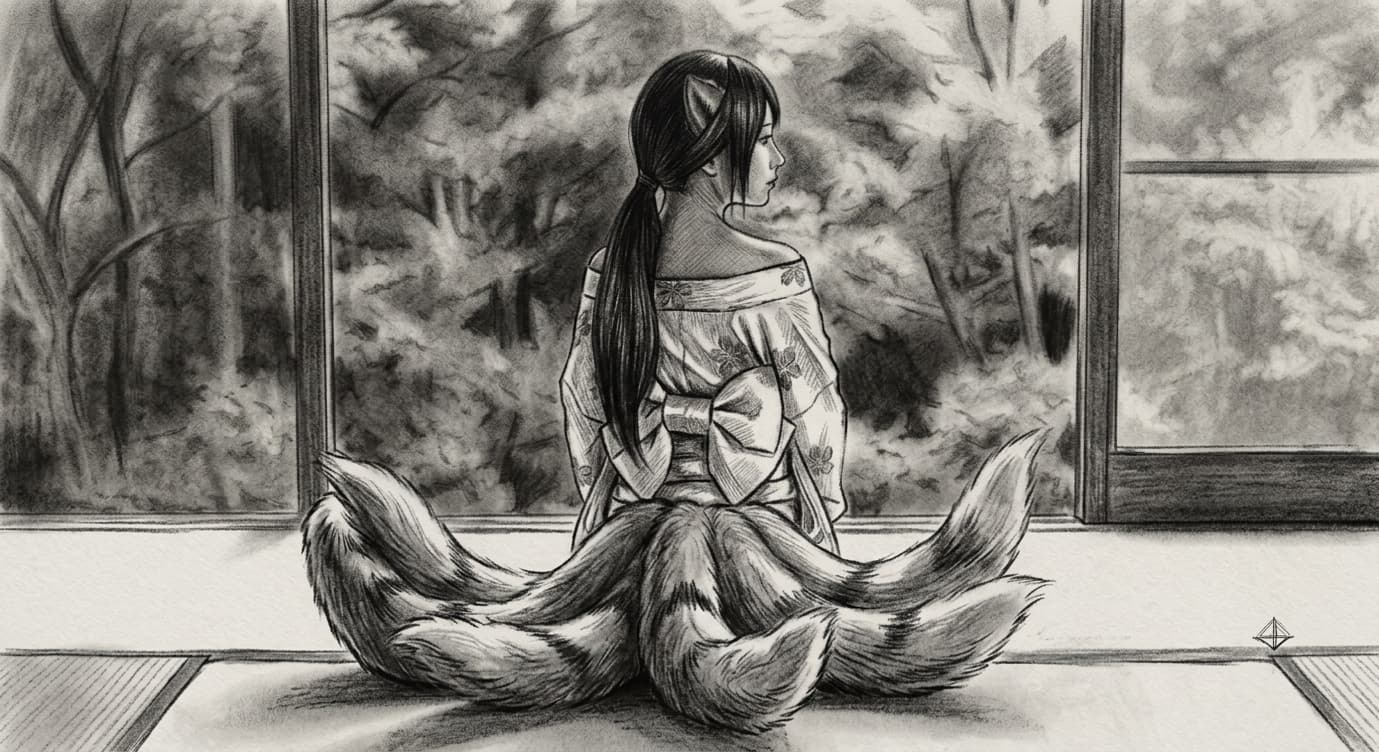
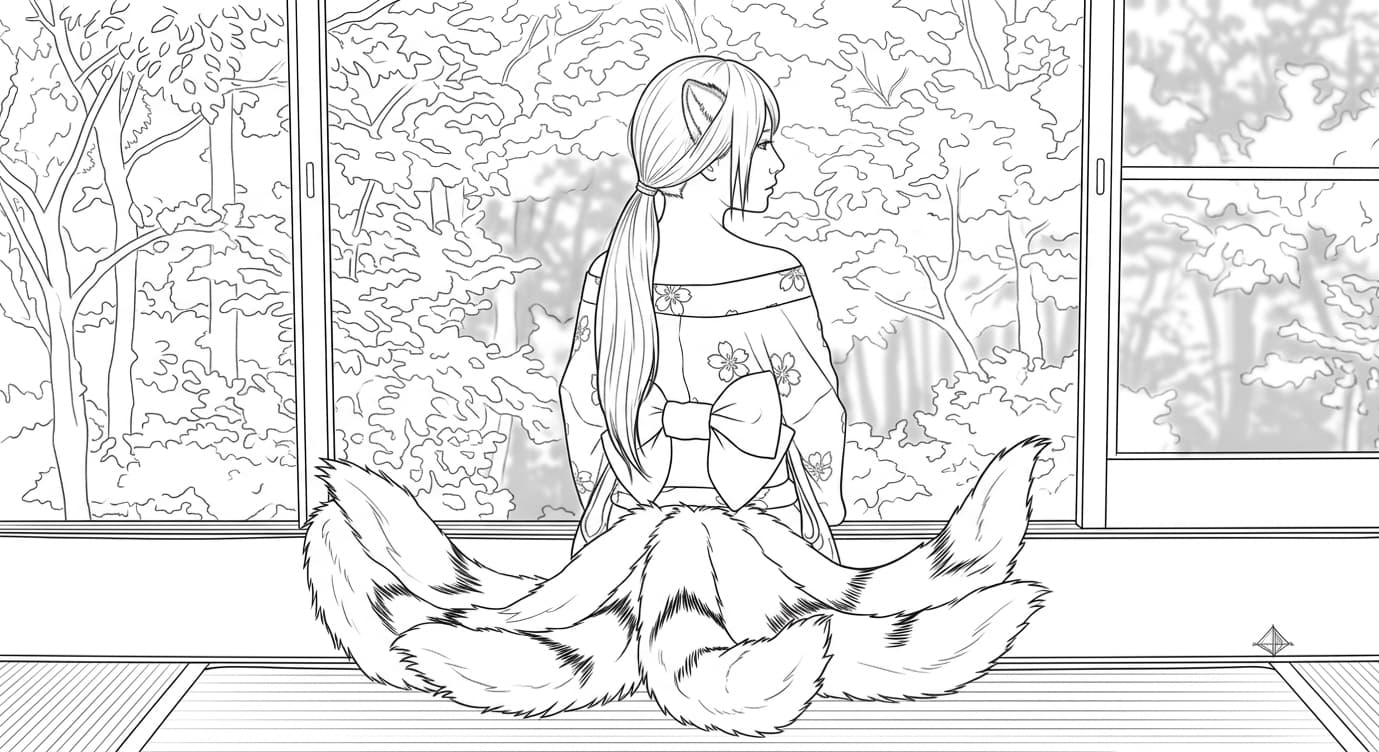
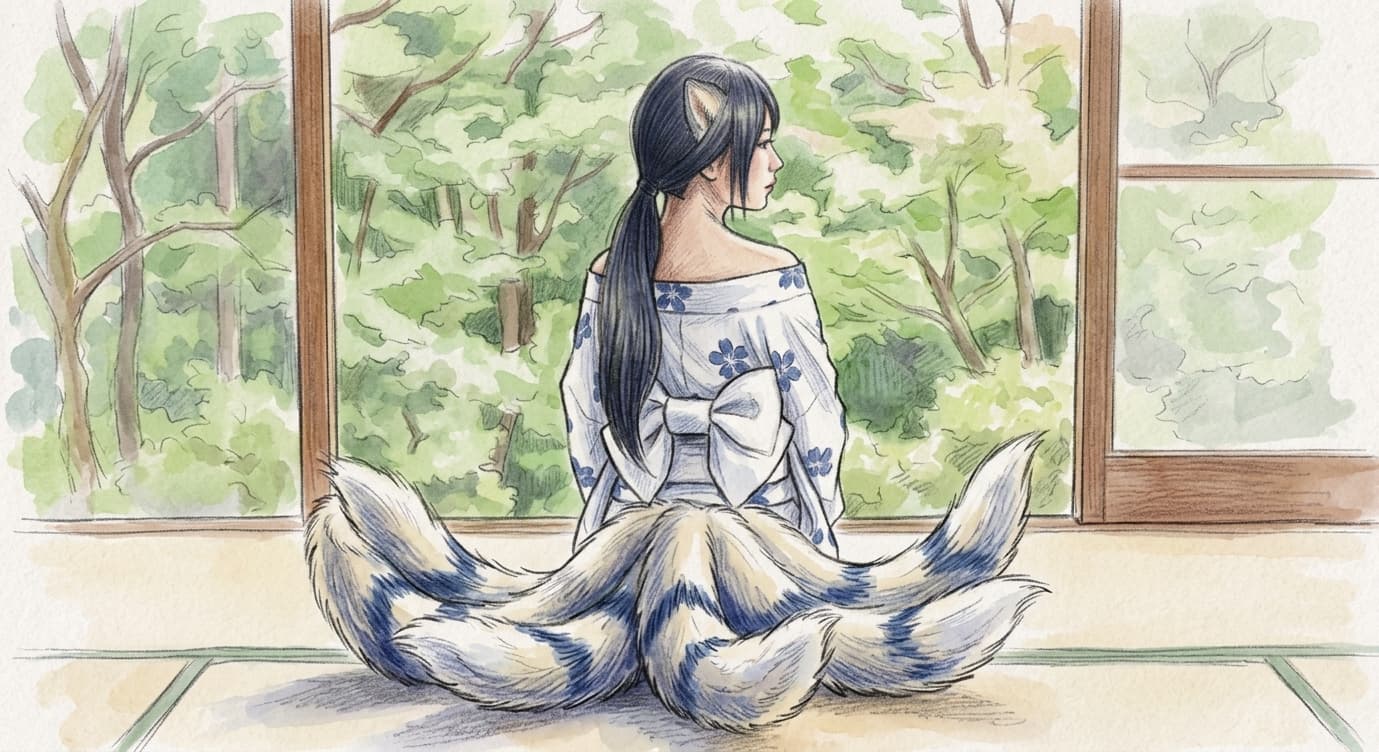
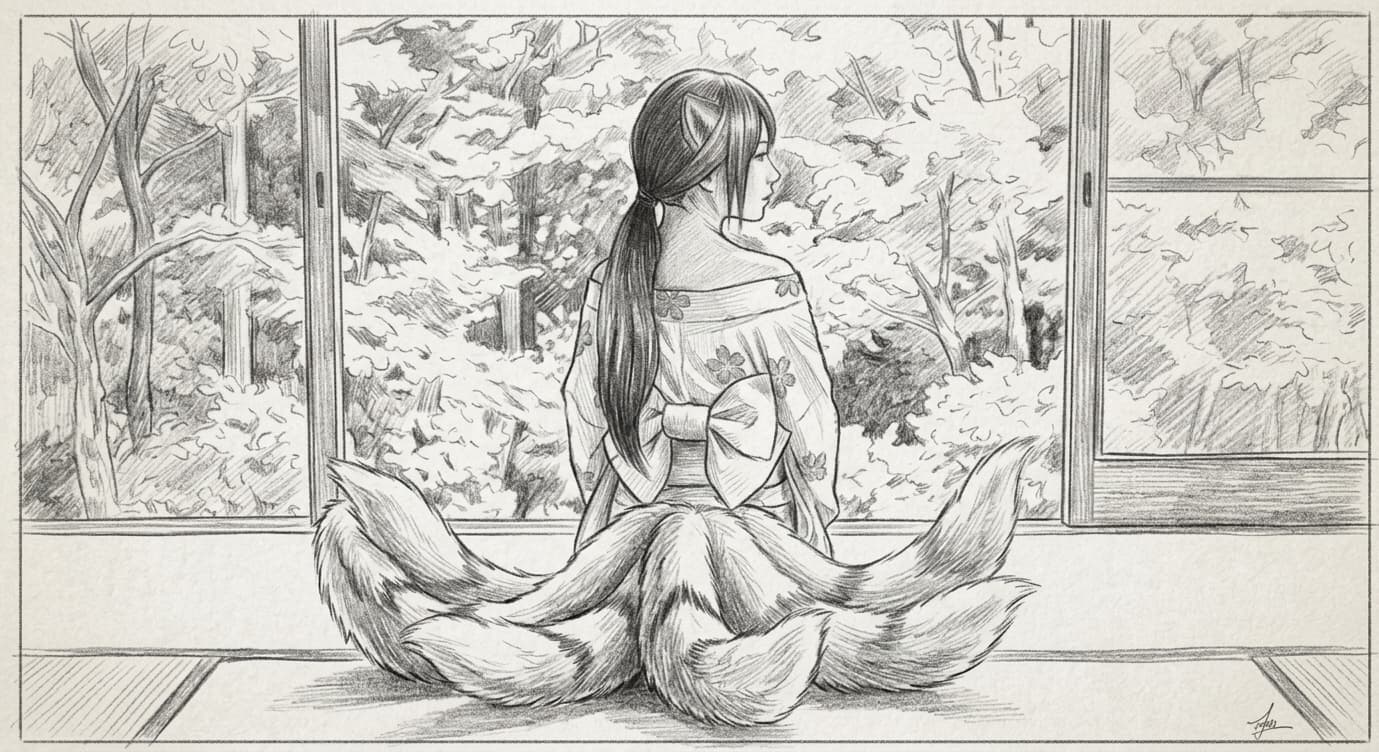
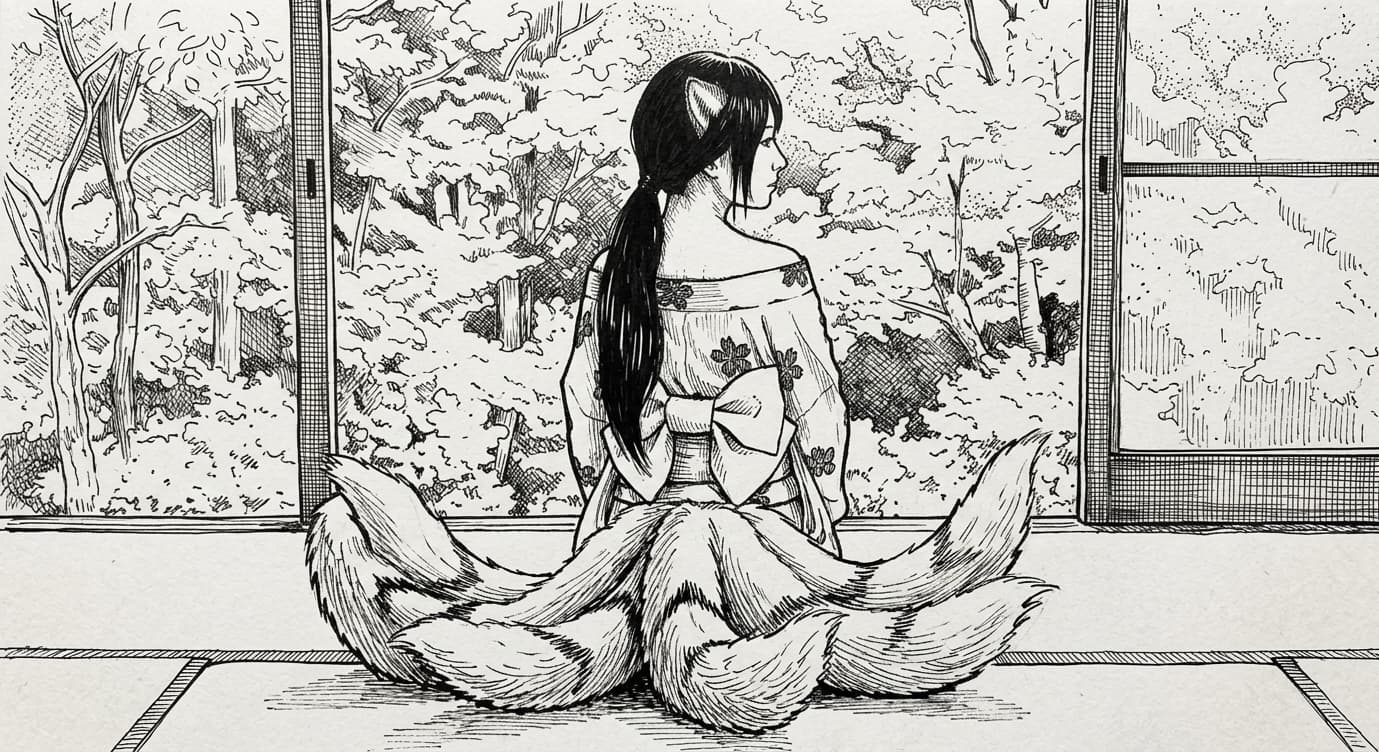
Order-Ready in One Click
✏️ Turn any customer photo into a production-ready pencil, charcoal, or line-art sketch, no Photoshop, no tracing, no freelancer.
Detail That Survives Print
🔍 Keeps faces and product features crisp while simplifying busy backgrounds, so every render holds up on a mug, shirt, or framed print.
10 Sellable Styles
🎨 Pencil, charcoal, ink, watercolor, clean line art and more, switch the look per order in a single tap.
How It Works
From Photo to Sketch in Three Steps
SketchWish is built to be effortless, three quick steps and your sketch is done.
01
Upload your photo
Pick a clear, good-quality photo and drop it into SketchWish.
02
Pick a style and hit Generate
Choose the sketch style you want, then hit Generate and let SketchWish do the work.
03
Download and share
In a few seconds your sketch is ready, download it and share it however you like.
Feature
Sketch Features Built With Creators in Mind
Turn any image into a sketch in seconds, with the precision, flexibility, and export options a real creative workflow needs.
⚡ Fulfill Custom Orders in Seconds, Not Hours
SketchWish turns a customer's photo into a clean, high-resolution sketch in just a few seconds, a pet photo, a portrait, or a product shot. Every new account starts with 3 free production renders, and each generation uses credits from your balance, so you always know your cost per order before you run it.
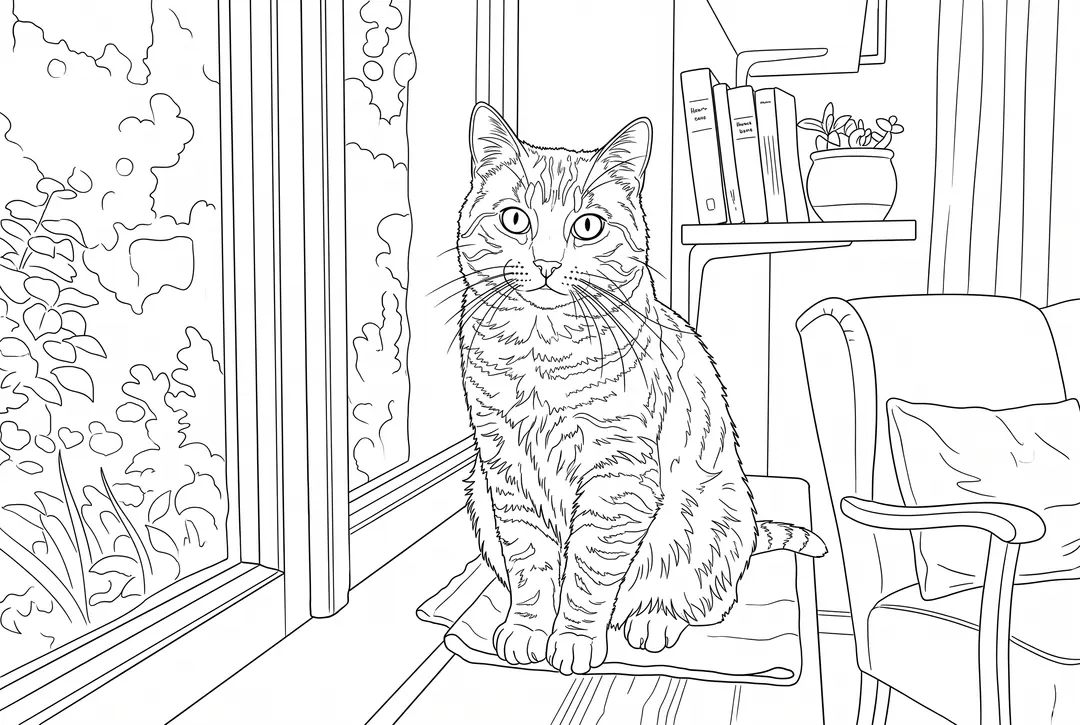
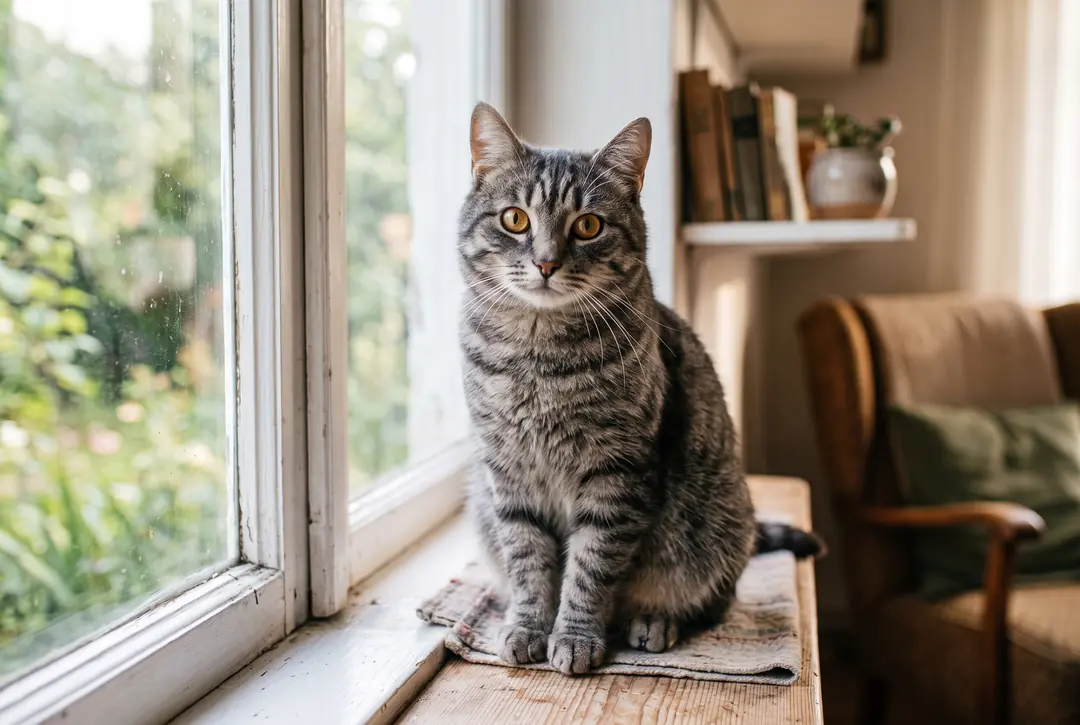
🎯 Detail That Holds Up at Print Size
Instead of dropping a filter over the image, SketchWish reads facial structure, edges, and lighting so the sketch keeps the shape and character of the original, the linework survives being blown up to 4K and printed, not just viewed on a phone. Every order looks considered, not filtered.
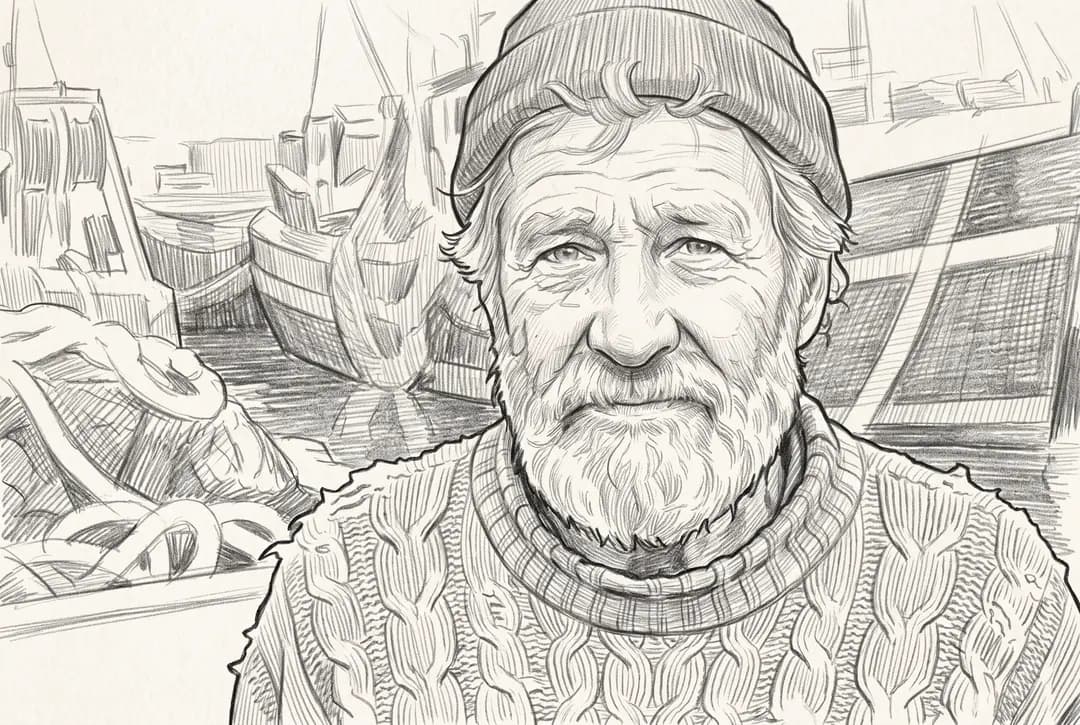
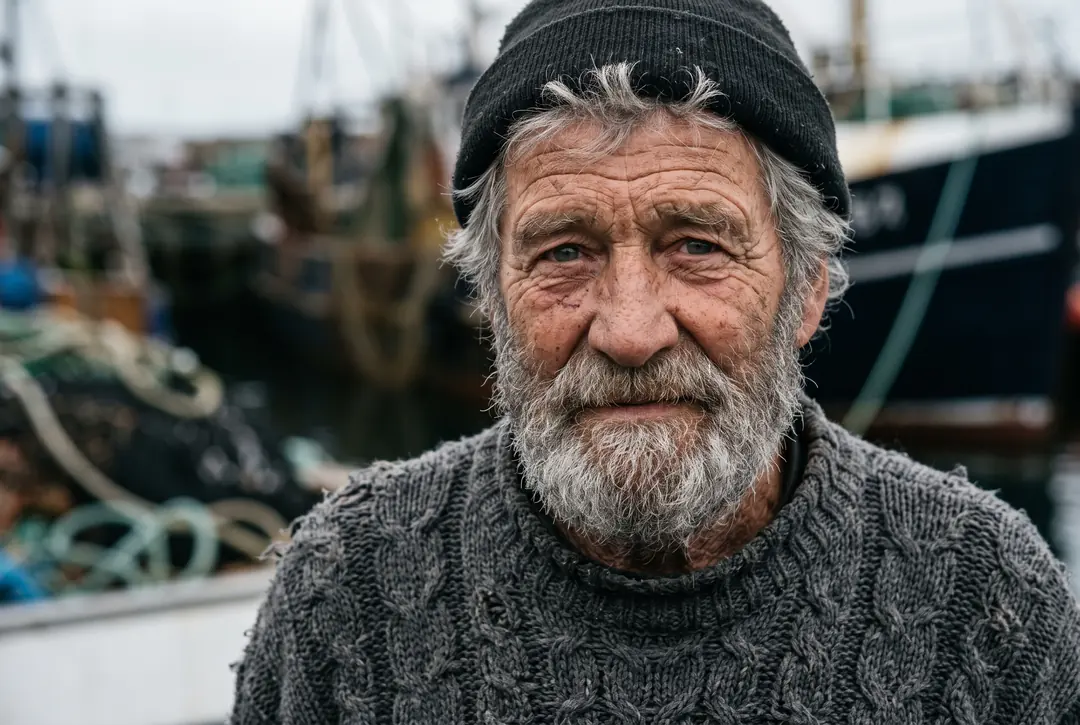
🔎 Approve Every Render Before You Ship
A live slider lets you drag between the original photo and the finished sketch in real time, so you sign off on the look before it goes on a product. Free renders carry a light SketchWish watermark; upgrading to Pro unlocks high-res, watermark-free files you can sell.
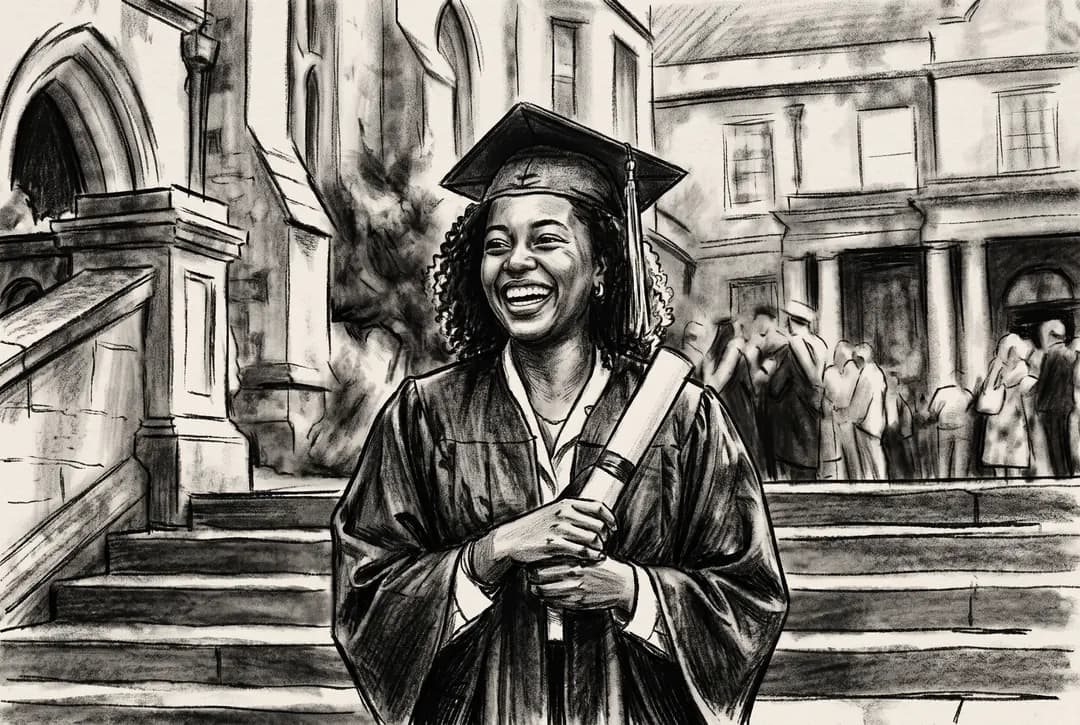
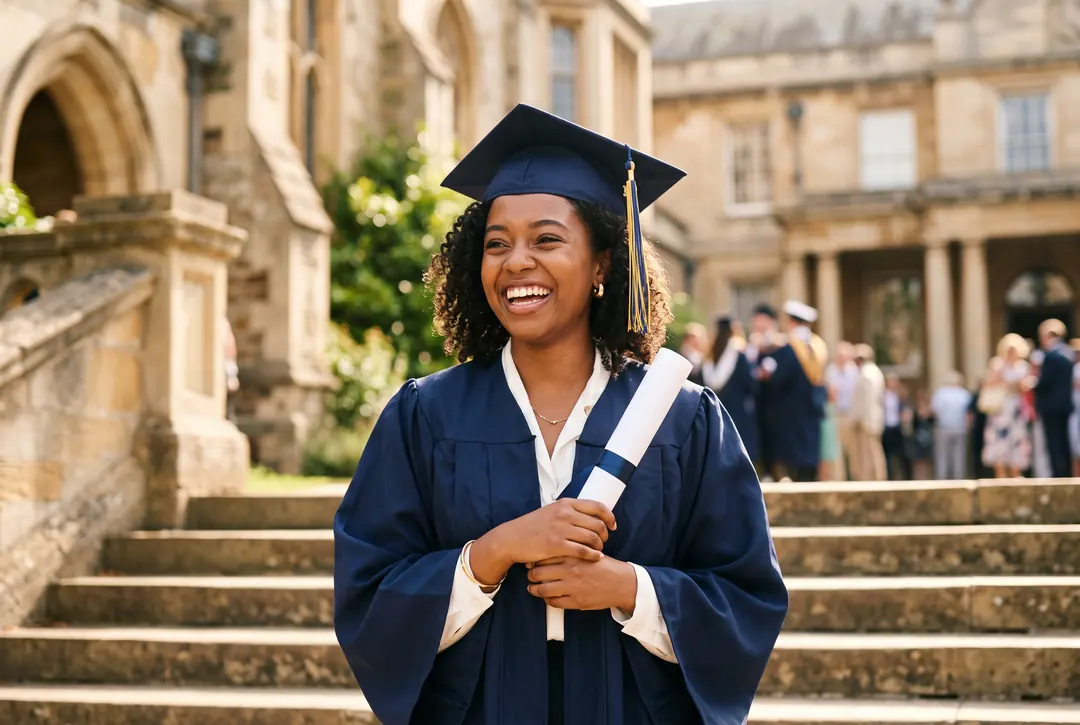
🎨 Print-Ready Export up to 4K
Download every sketch in high resolution up to 4K, in PNG or JPEG, print-ready or web-optimized. Full control over the final file, so it drops straight into your product mockups and storefront listings.
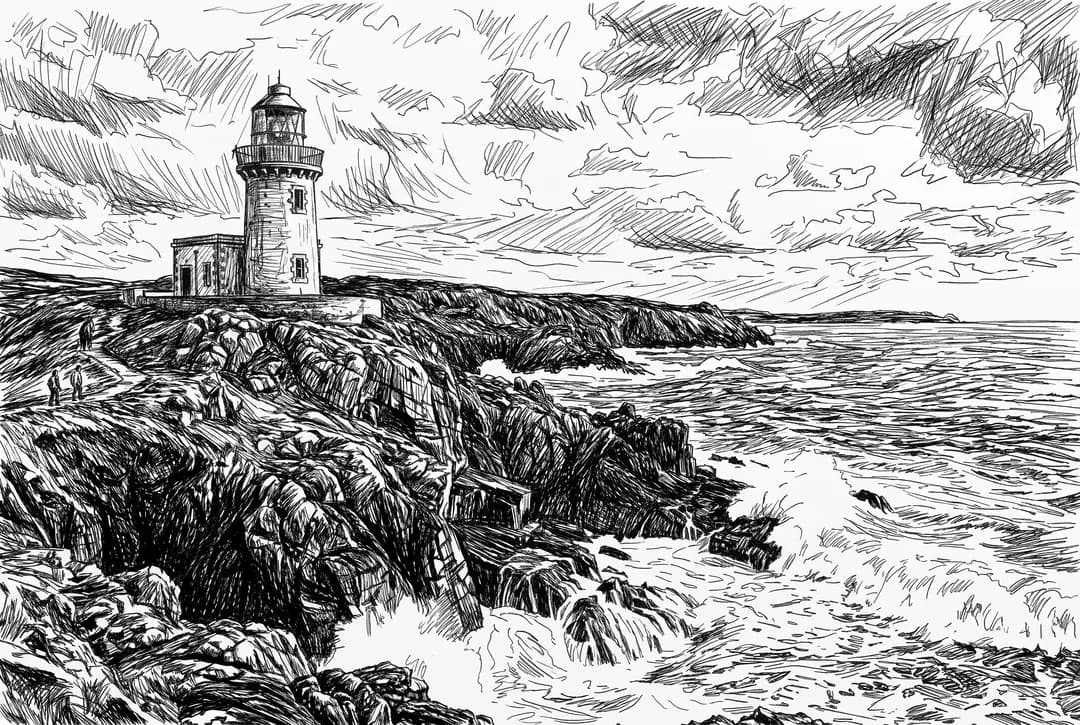
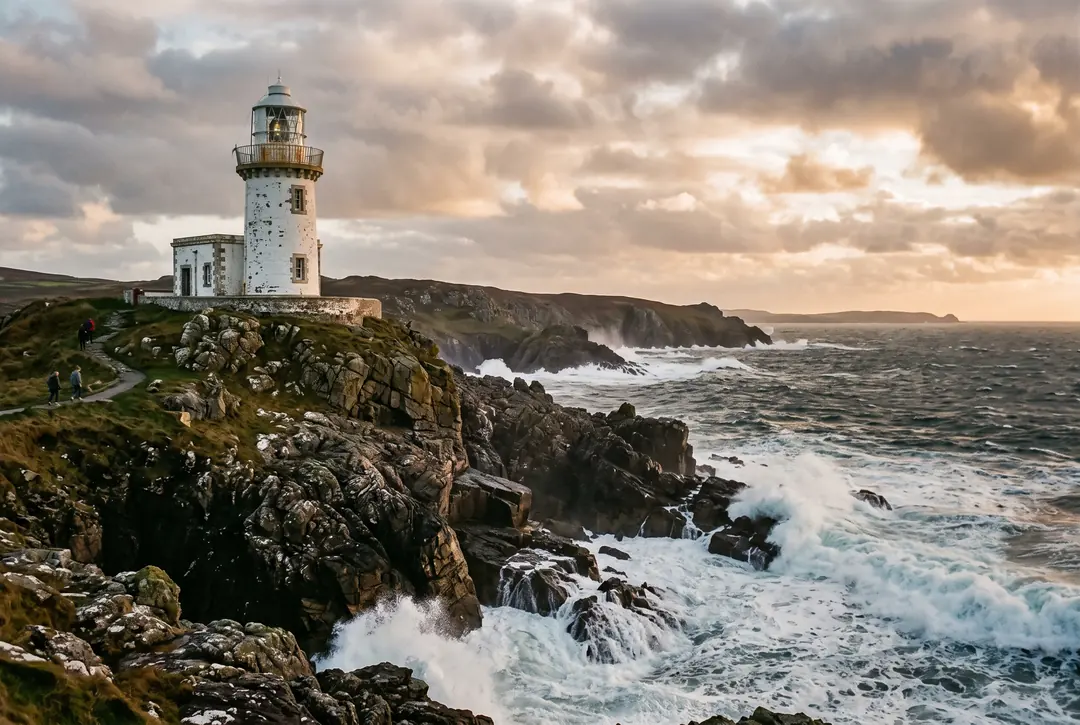
Why Creators Choose SketchWish
Get cleaner, more refined sketch art, faster and with more creative control than you'll find in generic filter apps.
| Feature | SketchWish | Other AI Tools | Traditional Software |
|---|---|---|---|
| Processing Speed | Results in seconds | Often slower | Manual drawing required |
| Free Trial Credits | 3 free sketches on signup | Varies by provider | Not applicable |
| Detail Preservation | Accurate contours & facial detail | Basic filter output | Depends on skill |
| Before/After Preview | Real-time slider preview | Rarely available | No automatic preview |
| Watermark-Free Download | Included with Pro | Varies by provider | Not applicable |
| Multiple Art Styles | 10 unique sketch styles | Limited options | Manual effort |
Reviews
What Creators Are Saying About SketchWish
Effortless to Use
“The conversion is fast and spot-on. It holds onto the shape of my original photo while cleaning up distracting backgrounds, and the before-and-after slider makes it easy to check the result before I download.”

Nadia Okafor
Graphic Design Student
Blew Me Away
“I’ve used plenty of photo-to-sketch apps, and this one holds onto facial detail better than most. The linework comes out clean and natural instead of over-processed, and I can keep regenerating for free until it matches my style.”

Marcus Lindgren
Freelance Illustrator
My Go-To Now
“I use it for profile pictures and content, and the results come out clean enough to print. The range of export options keeps my whole workflow quick and painless.”

Priya Sharma
Content Creator
Help Center
Photo-to-Sketch Questions, Answered
What sellers and print shops want to know before their first order.
What is SketchWish’s photo-to-sketch AI?
It’s an AI tool that turns customer photos into production-ready sketch art, pencil, charcoal, line art, and more. No drawing skills or Photoshop needed: upload, pick a style, and it’s ready to put on a product in seconds.
Which of the 10 sketch styles should I use?
Every style has its own look and suits different projects. Here’s a quick rundown to help you choose:
- Simplified Art
Flattens busy detail into clean shapes and gentle shading, a great fit for avatars, social posts, and minimalist designs. - No BG (No Background)
Drops the background entirely and keeps just your subject, ready for stickers, branding assets, or custom layouts. - Pencil Sketch
Recreates the feel of graphite on paper with natural strokes and soft shading, ideal for classic portraits and prints. - Clean Line Art
Sharp outlines with almost no shading, perfect for coloring pages, tattoo references, and clean illustrations. - Charcoal Sketch
Bold, high-contrast strokes for a dramatic, expressive result, well suited to striking portraits and art pieces. - Ink Sketch
Pen-and-ink styling with confident lines and cross-hatching, at home in comics, editorial art, and branding. - Minimal Sketch
Strips things back to only the essential lines, great for icons, modern layouts, and understated accents. - Colored Pencil
Sketch outlines layered with soft color, a favorite for kids' art, gifts, and stylized portraits. - Watercolor Sketch
Sketched lines washed with gentle watercolor tones, lovely for wedding portraits, travel art, and prints. - Figure Sketch
Prioritizes pose and body proportion over fine facial detail, handy for fashion, character concepts, and full-body work.
How do I turn an everyday photo into sketch art?
Three steps. Pick a sharp, well-lit photo, drop it in, choose a style, a few seconds later your sketch is ready to download.
Is SketchWish free, and what does it cost?
Every new account starts with 3 free renders, no card needed. After that, packs start at $5 for 25 renders and never expire. Free downloads carry a light watermark; your first purchase removes it for good, so you get clean, sellable files, including on the renders already in your history.
Which image formats and sizes can I upload?
PNG, JPG, and WEBP, up to 10 MB per image, which covers anything straight off a phone camera or a screenshot.
Does SketchWish work on a phone?
Yes, it runs in the mobile browser with no app to install, and downloads save straight to your camera roll.
What happens to my photo after I upload it?
Your upload is used to render the sketch and nothing more, we don’t keep it afterwards. Finished sketches sit in your history and are permanently deleted 24 hours after they’re made, and you can remove any of them yourself before that. The one exception is a sketch you share by link: it stays online so the link keeps working, until you ask support@sketchwish.com to remove it.
Do I own the commercial rights to the sketches?
Yes. If the photo you started from is yours, you retain 100% commercial rights to the sketch, sell it on mugs, prints, apparel, and more, with no royalties to us. Where the photo contains someone else’s copyrighted material or a recognisable person, make sure you have the rights to it before you publish or sell.
Ready to Turn Your Photo Into a Sketch?
Whatever your skill level, getting started takes minutes, the interface stays out of your way so you can go from photo to sketch fast.